
|
Do it yourself
| |||
| ||||


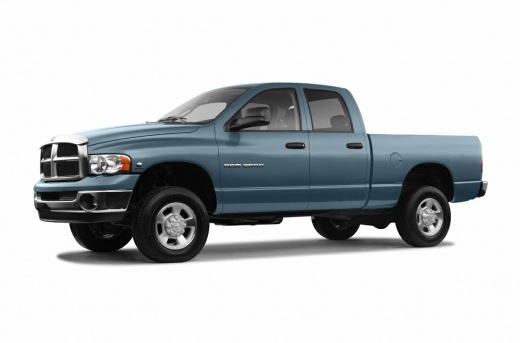
How to replace the headlight bulbs in the RAM 2500?
Model: RAM 2500
DM, DH, D1, DC, MK 3, DR
- Years 2002-2009
In this tutorial we can see how to replace the headlight bulbs in the RAM 2500 pick-up, a very simple and fast operation. First let's make sure that the key is not inserted, then we open the engine hood and unscrew the three fixing bolts of the headlight with a 10mm socket wrench. Once this is done, let's remove it from the body just enough to access the back, where we are going to unscrew the large plastic ring nut. We avoid touching the replacement bulb directly with bare hands, so as not to leave residues that can cause it to overheat.
Posted on 26 February 2022 by ScegliAuto
Video tutorial
Related tutorials
RAM 2500
(2009-2019 /
D2, MK 4, DS, DJ)
In order to replace the headlight bulb of the Dodge Ram 2500 you need to remove the grille located in the central part of the car, immediately above …
RAM 2500
(2009-2019 /
D2, MK 4, DS, DJ)
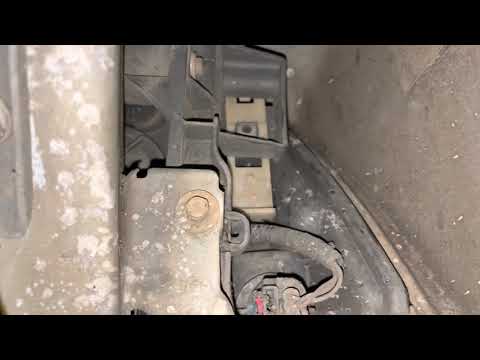
.. In this tutorial we can see how to replace the headlight bulbs in the RAM 2500 pick-up, very simple operation. First of all we open.. …
RAM 2500
(2009-2019 /
D2, MK 4, DS, DJ)
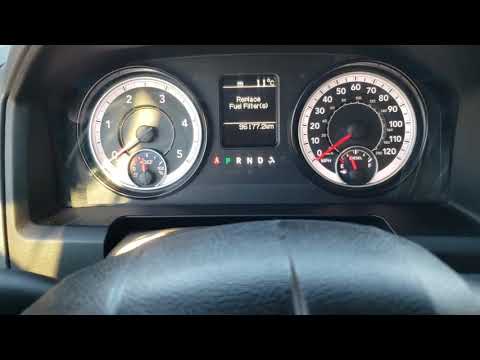
In today's video we see how to reset the fuel filter replacement message in the RAM 2500 6.7 diesel. First we enter the vehicle and sit in the driver…
Other guides you may be interested in
|
How to Remove the Rear Light on a Fiat Grande Punto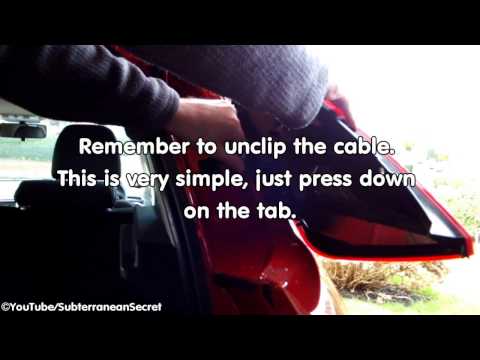
How to remove the rear light on a Fiat Grande Punto? In this guide, learn how to replace damaged bulbs: open the boot lid, unscrew (with a socket spanner or screwdriver with insert) the fastening screws located at the sides of the rear light; once the light is free from any constraints, detach it from the bodywork (disconnect the respective connectors for the bulb power supply). Replace the damaged bulbs with identical size and voltage parts. Finally, refit the rear light and reverse the assembly of the other parts. by ScegliAuto More videos
|
|
For advertising on this site Write to info@scegliauto.com
ScegliAuto is not responsible for any inaccuracy of the data in the lists. To report any inaccuracy or your business (if you own the business in question), please write to info@scegliauto.com
Number of seconds to generate the page: 0.160
(c) ScegliAuto 2026 - info@scegliauto.com - Privacy policy VAT number: IT01247470535 |
