
|
Do it yourself
| |||
| ||||


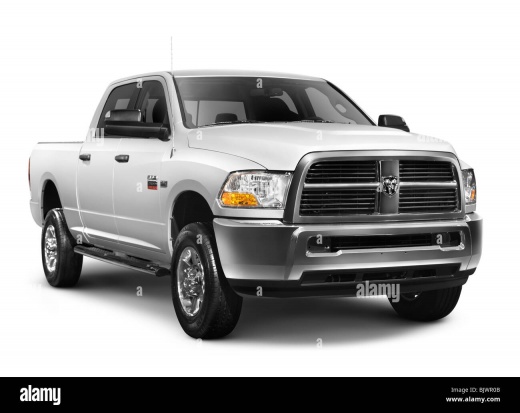
How to Reset the "Replace Fuel Filter" Message in a RAM 2500
Model: RAM 2500
MK 4, DJ, DS, D2
- Years:
2009, 2010, 2011, 2012, 2013, 2014, 2015, 2016, 2017, 2018, 2019
Video tutorial
In today's video, see how to reset the fuel filter replacement message in a RAM 2500 6.7 diesel. First, get into the vehicle and take a seat in the driver's position. Navigate through the onboard computer options and enter the submenu until you find the relevant item. Press OK, using the arrows on the left side of the steering wheel, and the operation will be complete. At the next vehicle restart, you will see that the annoying message is gone, allowing you to continue driving. Remember to perform this operation after completing maintenance.
Updated on 10 May 2026 by ScegliAuto
Related tutorials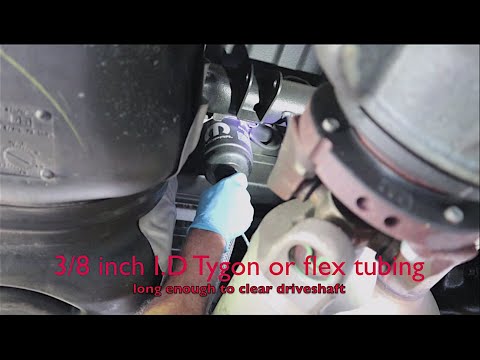
RAM 2500
(2009-2019 /
MK 4, DJ, DS, D2)
In today's tutorial video, we will see how to disassemble and replace the fuel filter on a fourth-generation RAM 2500 with a 6.7L engine. First, lift…
RAM 2500
(2009-2019 /
MK 4, DJ, DS, D2)
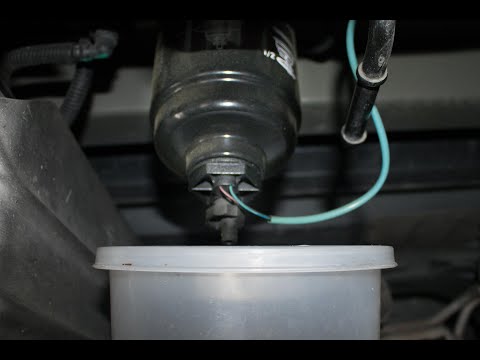
In today's tutorial video, see how to remove and replace the rear diesel fuel filter in a RAM 2500 by following these simple and quick steps. First, …
RAM 2500
(2009-2019 /
MK 4, DJ, DS, D2)
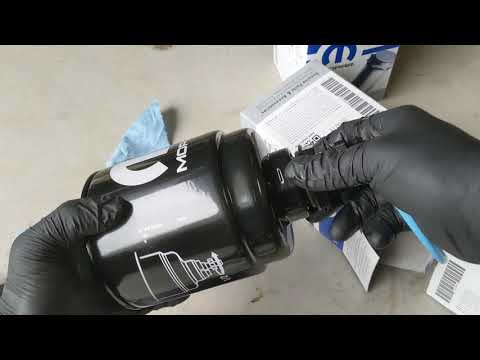
The RAM 2500 has two fuel filters: the first is located inside the engine compartment and can be accessed from the side of the battery. Disconnect th…
Other guides you may be interested in
|
How to open the boot if it is stuck on a Mercedes B-Class?
On the Mercedes B-Class, the boot may become stuck, possibly due to a problem with the control button or the lock actuator. In this case, perform the emergency opening by following the simple procedure shown in this tutorial. First, unlock the locks with the remote control, then open the rear doors and, by operating the indicated lever, lower the backrest of the seat. Next, go inside the boot, locate the indicated gap, and manually unlock the lock using a small screwdriver. by ScegliAuto More videos
|
|
For advertising on this site Write to info@scegliauto.com
ScegliAuto is not responsible for any inaccuracy of the data in the lists. To report any inaccuracy or your business (if you own the business in question), please write to info@scegliauto.com
Number of seconds to generate the page: 0.048
(c) ScegliAuto 2026 - info@scegliauto.com - Privacy policy VAT number: IT01247470535 |
