
|
Do it yourself
| |||
| ||||


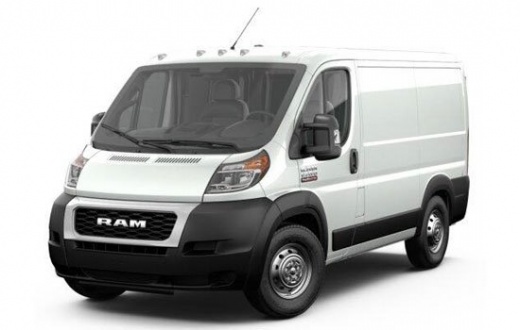
How to reset the Ram ProMaster engine oil light
Model: RAM Promaster
MK 1
- Years 2014-2022
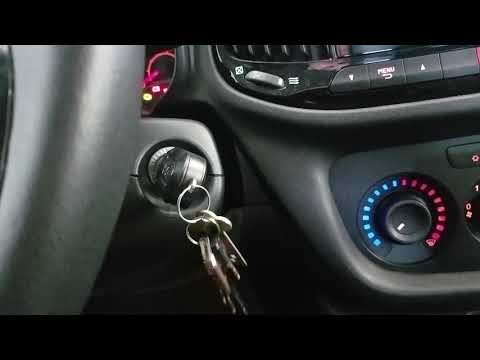
In this new guide on the Ram ProMaster we are going to describe a method as simple as it is effective that will allow you to reset the engine oil light in a few seconds. First insert the key and turn it to position one without starting the instrument cluster. Then, within a time limit of ten seconds, simultaneously press the accelerator pedal three times in succession. Remove the key and insert it again immediately afterwards, this time starting the car's ignition. The reset is now completed successfully and the warning light will no longer appear.
Posted on 15 December 2022 by ScegliAuto
Video tutorial
Related tutorials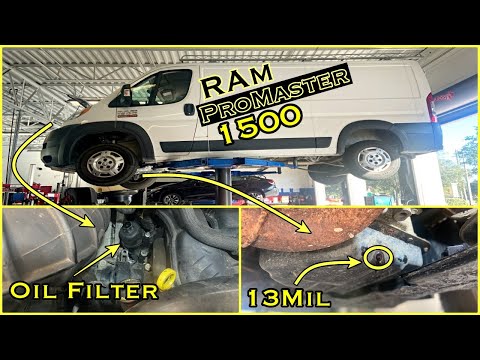
RAM Promaster
(2014-2022 /
MK 1)
Below is a guide on how to perform routine maintenance on the RAM Promaster Rapid by changing the engine oil and oil filter. Firstly, we need to lift…

RAM Promaster
(2014-2022 /
MK 1)
Let's find out in this short guide the instructions that will allow us to carry out the routine maintenance service, replacing the engine oil and oil…
RAM Promaster
(2014-2022 /
MK 1)
In this tutorial we can see how to reset the oil service in the RAM Promaster van, a very simple and fast operation. Before proceeding, of course, we…
Other guides you may be interested in
|
How to Remove the Front Shock Absorber on a Peugeot 406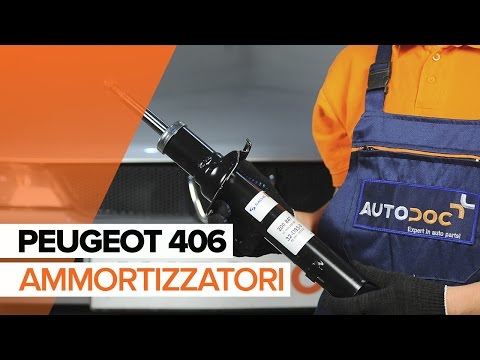
How to remove the front shock absorber on a Peugeot 406? The first step is to lift the bonnet and secure it with the prop rod. Use a socket wrench to unscrew the shock absorber mounting bolts (engine bay), lift the car on a column lift and remove the front wheel. Unscrew the shock absorber mounting bolts at the wheel hub (detach the brake line clips with a screwdriver). Unscrew the bolts on the side, then remove the shock absorber from its housing (place a support under the bar). Compare the old part with the new one and prepare for installation. Fit the new shock absorber to the car, working in reverse order. by ScegliAuto More videos
|
|
For advertising on this site Write to info@scegliauto.com
ScegliAuto is not responsible for any inaccuracy of the data in the lists. To report any inaccuracy or your business (if you own the business in question), please write to info@scegliauto.com
Number of seconds to generate the page: 0.134
(c) ScegliAuto 2026 - info@scegliauto.com - Privacy policy VAT number: IT01247470535 |
