
|
Do it yourself
| |||
| ||||


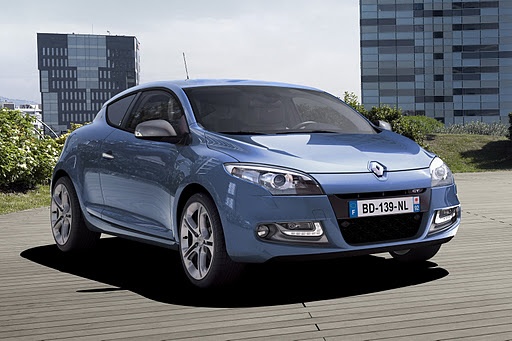
How to Reset the Service Light on a 2014 Renault Megane?
Model: Renault Megane
Megane III, Megane 3
- Years:
2008, 2009, 2010, 2011, 2012, 2013, 2014, 2015
Video tutorial
The video guide presented here applies not only to the 2014 Renault Megane but also to various vehicles from the same manufacturer. When the service interval is due, the service light will illuminate, indicating that the engine oil and its filter need to be replaced. Often, DIY enthusiasts perform all scheduled maintenance as outlined in the owner's manual, but not everyone knows how to reset the aforementioned light. Here’s the procedure: turn on the instrument panel, access the Settings using the directional buttons at the end of the right steering wheel stalk, select the Service option, and proceed to reset by holding down the Up Arrow button.
Posted on 6 March 2026 by ScegliAuto
Related tutorials
Renault Megane
(2015-2023 /
Megane IV, Megane 4)
The method to reset the service light on a Renault Megane, specifically the Renault Megane 3, is explained here: Switch on the instrument cluster. Us…

Renault Megane
(2008-2015 /
Megane III, Megane 3)
What to do when the service light appears on a Renault Megane? Let’s see how to turn it off from the instrument panel. Turn on the car's instrument p…
Renault Megane
(2002-2010 /
Megane 2)
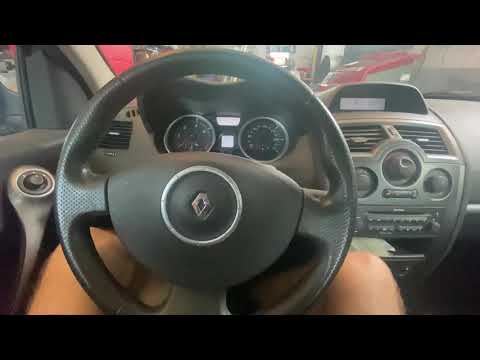
Thanks to this video, you can learn how to reset the service light on a Renault Megane after performing the service. First, turn on the ignition and …
Other guides you may be interested in
|
Frequently Asked QuestionsHow to reset the tyre pressure warning light on the Kia Niro EV?
To reset the tyre pressure warning light on the Kia Niro EV, inflate the tyres until they reach the correct pressure value. This value is indicated on the sticker attached to the driver's door pillar. Once the tyres are inflated, turn on the instrument cluster to check that the warning light has completely disappeared from the display. If it is still present, you may need to drive for a few miles to ensure it disappears completely from the screen. by ScegliAuto More videos
|
|
For advertising on this site Write to info@scegliauto.com
ScegliAuto is not responsible for any inaccuracy of the data in the lists. To report any inaccuracy or your business (if you own the business in question), please write to info@scegliauto.com
Number of seconds to generate the page: 0.320
(c) ScegliAuto 2026 - info@scegliauto.com - Privacy policy VAT number: IT01247470535 |
