
|
Do it yourself
| |||
| ||||


Replacing the sensor on a Renault Twingo
Model: Renault Twingo
Twingo 1
- Years 1993-2007
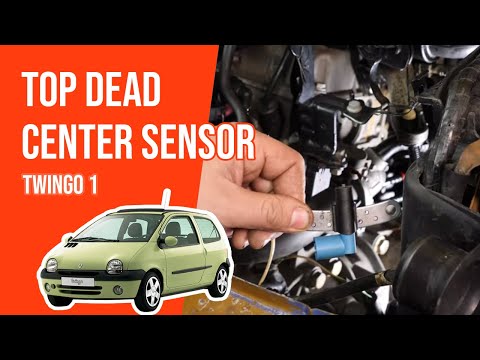
The top dead centre (TDC) sensor informs the ECU of the piston position and thus the crankshaft rotation speed. Lift the bonnet and insert the support rod. Locate the sensor, which is clearly shown in the video. Unscrew the two screws securing it with a 10 mm socket. Disconnect the sensor by simply lifting the small blue tab and pulling. Insert the new sensor and connect it to the socket, then screw in the two 10 mm screws first by hand and then tighten them with the socket. Nothing could be easier! Job done. Good luck!
Updated on 9 April 2026 by ScegliAuto
Video tutorial
Related tutorials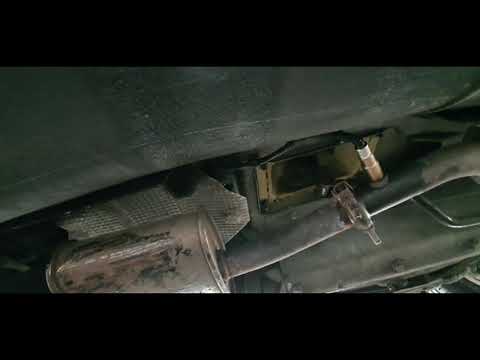
Renault Twingo
(1993-2007 /
Twingo 1)
In this video tutorial, learn how to remove and replace the lambda sensor or oxygen sensor of the petrol Renault Twingo. First, lift the vehicle and …

Renault Twingo
(1993-2007 /
Twingo 1)
This video explains how to remove the speed sensor on a Renault Clio. Although this is a Renault vehicle, the procedure is similar for many other mak…
Renault Twingo
(1993-2007 /
Twingo 1)
In this video tutorial, you will see how to replace the top dead centre sensor on a Renault Twingo by following these simple steps: this sensor is ve…
Other guides you may be interested in
|
How to Bleed the Clutch on a Renault Clio?
To bleed the clutch on a Renault Clio, open the bonnet to access the components located in the engine bay: here, you will need to undo the screws that secure the battery in its housing, the intake manifold, and the coolant reservoir. This will allow you to locate the pipe through which the brake fluid flows: by inserting the other end of the pipe into a container, you can press the clutch pedal to expel all the fluid until it fills the container. by ScegliAuto More videos
|
|
For advertising on this site Write to info@scegliauto.com
ScegliAuto is not responsible for any inaccuracy of the data in the lists. To report any inaccuracy or your business (if you own the business in question), please write to info@scegliauto.com
Number of seconds to generate the page: 0.208
(c) ScegliAuto 2026 - info@scegliauto.com - Privacy policy VAT number: IT01247470535 |
