
|
Do it yourself
| |||
| ||||


How to Reset the Service Light on the Renault Clio
Model: Renault Clio
MK 3, Clio 3, Clio III
- Years 2005-2013
In this guide, you will learn how to correctly and quickly reset the service light on the Renault Clio. Before you begin, ensure the engine is off. Then, insert the key and turn on the ignition. Locate the button at the end of the right stalk of the steering wheel and press it several times until you see the maintenance message for the vehicle. At this point, press and hold the same button for several seconds and release it as soon as the display stops flashing. The reset is now complete, and you can turn off the ignition.
Updated on 7 May 2026 by ScegliAuto
Video tutorial
Related tutorials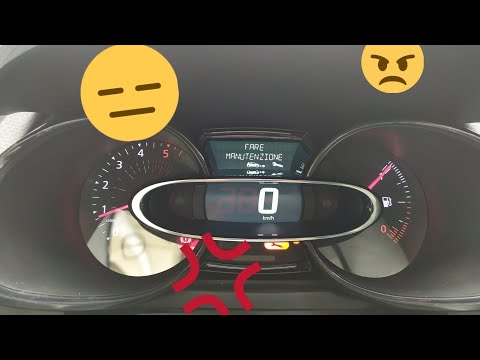
Renault Clio
(2012-2019 /
Clio IV, MK 4, Clio 4)
Before you begin, sit in the driver's seat of your Renault Clio. Start by activating the instrument panel. Next, select the "Service Interval" option…
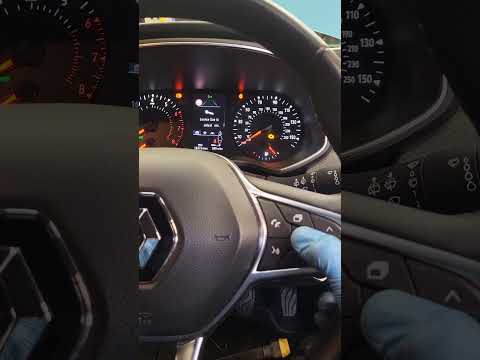
Renault Clio
(2019-2026 /
Clio V, Clio 5)
Good morning, today’s goal is to reset the "Service" light on your Renault Clio. Turn on the instrument panel by pressing the power button. Next, usi…
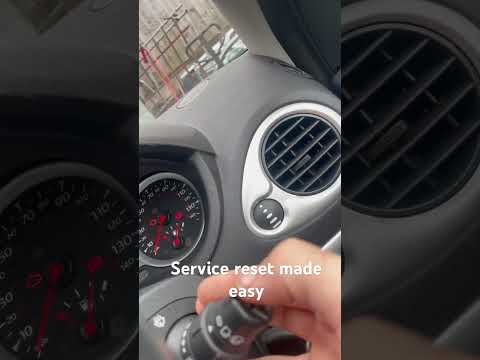
Renault Clio
(2005-2013 /
MK 3, Clio 3, Clio III)
When the service light illuminates on the instrument cluster of your Renault Clio Mk3 (2005-2013) despite having already completed the service, you m…
Other guides you may be interested in
|
Where is the Fuel Filter Located in a Volvo XC60?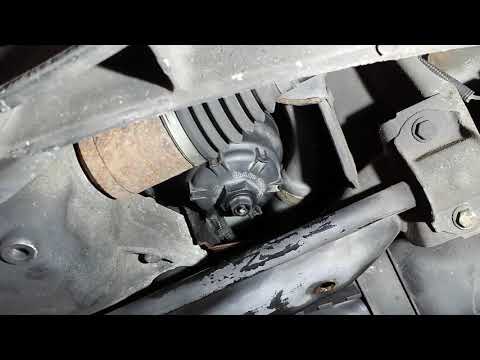
In this video, you will see where the fuel filter is located in a Volvo XC60 and how to proceed if you need to replace it. As shown, the filter is positioned at the lower part of the engine, right between the left half-shaft and the sway bar attachment. To replace the filter, first, go underneath the vehicle, taking all necessary safety precautions. Then, using an 18mm wrench, open the drain valve and allow any water present to escape. Next, unscrew the housing, remove the old filter, insert the replacement along with a new gasket, and reassemble everything. by ScegliAuto More videos
|

|
For advertising on this site Write to info@scegliauto.com
ScegliAuto is not responsible for any inaccuracy of the data in the lists. To report any inaccuracy or your business (if you own the business in question), please write to info@scegliauto.com
Number of seconds to generate the page: 1.540
(c) ScegliAuto 2026 - info@scegliauto.com - Privacy policy VAT number: IT01247470535 |
