
|
Do it yourself
| |||
| ||||


Reset of the maintenance (service) indicator for the Smart Fortwo.
Model: Smart Smart
451
- Years 2007-2015
Following today's information, we will see how to reset the service light for the regular maintenance of the engine oil change on the Smart Fortwo. First, let's get in the car and turn on the instrument panel; press the left button on the panel three times, turning it off and then back on again (keeping the button pressed), as shown in the video. At this point, we wait for the maintenance key to reset on the display, along with the service kilometers, having definitively reset the regular maintenance warning!
Posted on 22 December 2025 by ScegliAuto
Video tutorial
Related tutorials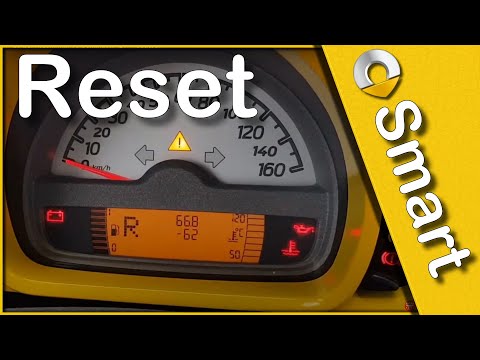
Smart
(2007-2015 /
451)
Let's find out in this short and simple guide how to reset the oil change maintenance service light of the Smart Fortwo, thus resetting the warning l…

Smart
(2014-2022 /
453)
Today's instructions will allow us to reset the service warning for the regular maintenance of the engine oil change for the Smart Fortwo. First, let…
Smart
(2007-2015 /
451)
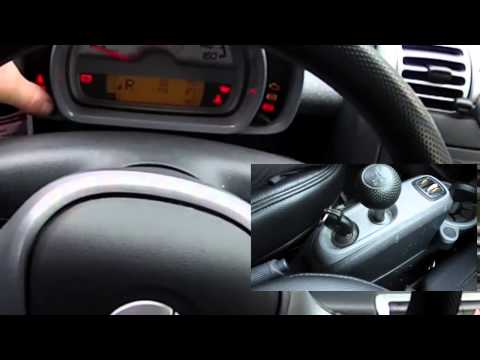
How to reset the service reset on Smart Fortwo? Very simple operation: enter the car body (sit on the driver's side seat), turn on the instrument pan…
Other guides you may be interested in
|
How to Remove and Reinstall the Rear Wheel Support Plates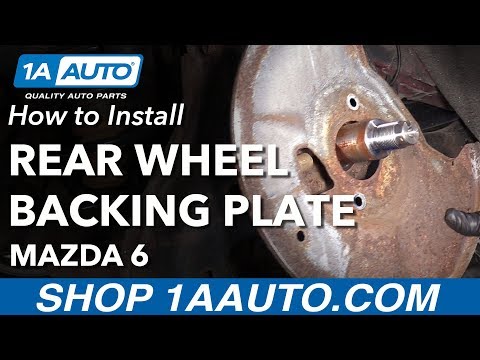
To remove and reinstall the rear wheel support plates, first lift the car on a ramp. Then, using a 12 mm socket, unscrew the bolts securing the wheel to remove it. Next, take out the support assembly by unscrewing the relevant bolts. You can then slide out the first plate by unscrewing the bolts with the appropriate spanner. After that, using a 35 mm socket, remove the other bolt that precedes the second plate. Proceed to unscrew all the smaller screws to take it off. To reinstall everything, simply reverse all the steps just mentioned, ensuring to clean all parts thoroughly and lubricate them. by ScegliAuto More videos
|

|
For advertising on this site Write to info@scegliauto.com
ScegliAuto is not responsible for any inaccuracy of the data in the lists. To report any inaccuracy or your business (if you own the business in question), please write to info@scegliauto.com
Number of seconds to generate the page: 0.131
(c) ScegliAuto 2026 - info@scegliauto.com - Privacy policy VAT number: IT01247470535 |
