
|
Do it yourself
| |||
| ||||


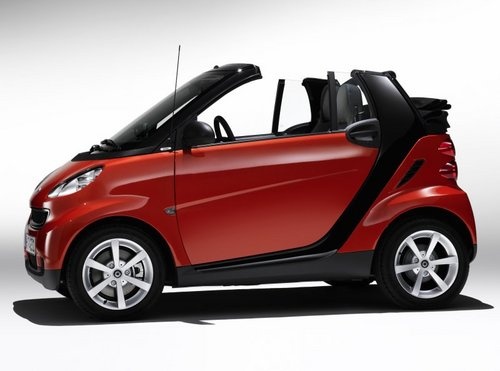
How to Replace the Thermostat on the Smart?
Model: Smart Smart
451
- Years:
2007, 2008, 2009, 2010, 2011, 2012, 2013, 2014, 2015
Video tutorial
To replace the thermostat on the Smart, open the engine compartment and locate the thermostat, which is situated just below the windscreen in the central part. Next, remove the oil outlet valve after taking out its four fixing bolts. At this point, you can unscrew the bolts that secure the thermostat, which is also connected to the intake pipes. Therefore, you will also need to unscrew the bolts located at the other end, at the end of the intake pipes. Once all the bolts are loosened, you can remove the pipes and the thermostat, replacing them.
Updated on 22 April 2026 by ScegliAuto
Related tutorials
Smart
(1998-2007 /
450)
To replace the thermostat in the Smart, you will need to open the rear hatch and then remove the trim panel at the base of the rear compartment: once…

Smart
(1998-2007 /
450)
In this video, you will see how to remove and replace the coolant temperature thermostat on the Smart Fortwo 800 Diesel. First, move to the rear to a…

Smart
(1998-2007 /
450)
Before starting, open the rear boot of your Smart ForTwo, then unclip and remove the engine cover. Next, drain the cooling system by unscrewing the r…
Other guides you may be interested in
|
How to Open the Fuel Filler Flap in the Hyundai i30?
In this tutorial, you will learn how to open the fuel filler flap in the Hyundai i30, a very simple operation that follows the typical procedure of most vehicles. First, unlock the locks using the designated button on the remote, then open the driver's door, locate the release lever on the left side of the seat, and operate it. Next, move to the fuel filler flap, open it completely, unscrew the cap, and refuel as needed. To close the flap, simply press it gently. by ScegliAuto More videos
|
For advertising on this site Write to info@scegliauto.com
ScegliAuto is not responsible for any inaccuracy of the data in the lists. To report any inaccuracy or your business (if you own the business in question), please write to info@scegliauto.com
Number of seconds to generate the page: 0.021
(c) ScegliAuto 2026 - info@scegliauto.com - Privacy policy VAT number: IT01247470535 |
