
|
Do it yourself
| |||
| ||||


How to disassemble the speedometer of the Smart 451
Model: Smart Smart
451
- Years 2007-2015
In this video tutorial you can see how it is possible to disassemble the rear window of the Smart 451 speedometer, following a few simple steps that will allow you to work independently, without resorting to the assistance of a professional. First you have to get inside the car and put the handbrake, get yourself a 10 Torx key because you have to unscrew 4 bolts as shown in the video which are located under the speedometer. Once the bolts have been removed, you have to lift the plastic dashboard, replace the burnt out bulbs with new ones. You can then reassemble all the parts you removed previously by going backwards.
Posted on 24 September 2022 by ScegliAuto
Video tutorial
Related tutorials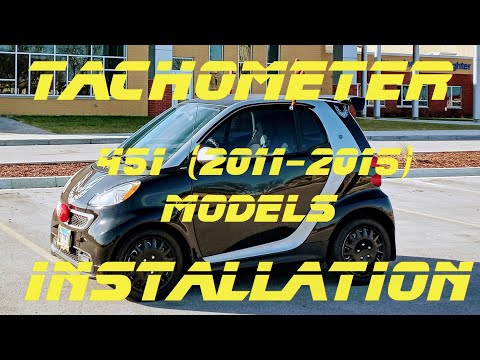
Smart
(2007-2015 /
451)
In this video tutorial we can see how to install the speedometer on Smart 451. The first thing to do will be to remove the plastic cover located abov…

Smart
(2007-2015 /
451)
In today's very short video tutorial, you will see the method necessary to change the time of the onboard computer on your Smart 451, a model produce…

Smart
(2007-2015 /
451)
Let's see thanks to this short video guide how to perform the service reset on a Smart 451, a model in production from 2007 to 2015. After performing…
Other guides you may be interested in
|
Removing the Door Panel on a BMW Z3
Remove the front left door panel on a BMW Z3. Use a screwdriver to remove the trim around the upper door handle. Take out the switch panel from the door panel (disconnect the connector), unscrew the remaining screws on the door panel, and detach the retaining clips. Finally, pull the panel away by hand and disconnect it from the door (disconnect the power wiring and the opening cable if present on the model). Perform the desired maintenance inside the door. Refit the panel after maintenance. by ScegliAuto More videos
|

|
For advertising on this site Write to info@scegliauto.com
ScegliAuto is not responsible for any inaccuracy of the data in the lists. To report any inaccuracy or your business (if you own the business in question), please write to info@scegliauto.com
Number of seconds to generate the page: 0.145
(c) ScegliAuto 2026 - info@scegliauto.com - Privacy policy VAT number: IT01247470535 |
