
|
Do it yourself
| |||
| ||||


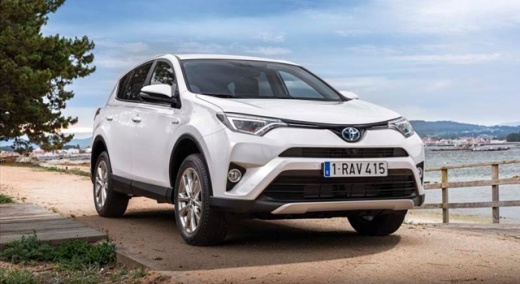
How to open the bonnet of the Toyota RAV-4 MK4
Model: Toyota Rav 4
Xa40, MK 4
- Years:
2013, 2014, 2015, 2016, 2017, 2018
Video tutorial
Even a seemingly simple task like opening the bonnet of your vehicle can become complicated if you don't know how to do it. In this video, see how to open the front bonnet of the Toyota RAV-4 MK4: the release lever is located on the lower left side of the dashboard, on the driver's side, in left-hand drive vehicles. You will find a square lever with the image of the raised bonnet. Lift it until you hear a "click": this indicates the bonnet is released. Now go to the front of the vehicle, where the bonnet will have lifted a couple of centimetres. Slide your hand to the centre, push to the side, and with the other hand, lift the bonnet. Then take the prop rod and secure it so that the bonnet remains raised even when you let go.
Updated on 8 November 2026 by ScegliAuto
Related tutorials
Toyota Rav 4
(2013-2018 /
Xa40, MK 4)
Here are the instructions to remove and reset the airbag light on the Toyota RAV 4. First, open the bonnet and disconnect the battery by unscrewing t…
Toyota Rav 4
(2013-2018 /
Xa40, MK 4)
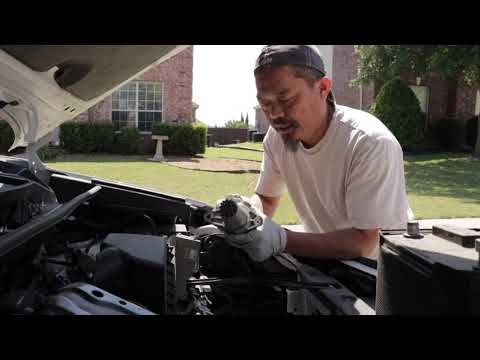
Before starting, open the bonnet of your Toyota Rav 4. Begin by removing the battery, followed by the battery support base. This will give you access…
Toyota Rav 4
(2013-2018 /
Xa40, MK 4)
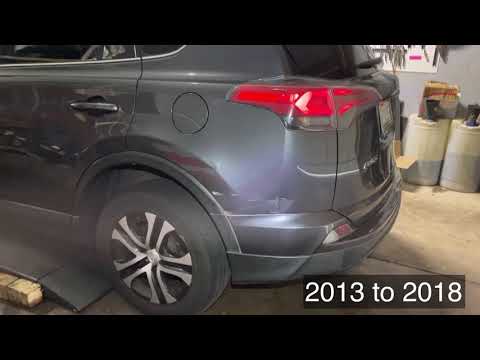
In this brief and simple guide, discover how to reset the radio on a fourth-generation Toyota Rav 4, as well as on the Corolla. First, open the bonne…
Other guides you may be interested in |
How to reset the tyre pressure warning light on the Kia Niro EV?
To reset the tyre pressure warning light on the Kia Niro EV, inflate the tyres until they reach the correct pressure value. This value is indicated on the sticker attached to the driver's door pillar. Once the tyres are inflated, turn on the instrument cluster to check that the warning light has completely disappeared from the display. If it is still present, you may need to drive for a few miles to ensure it disappears completely from the screen. by ScegliAuto More videos
|
|
For advertising on this site Write to info@scegliauto.com
ScegliAuto is not responsible for any inaccuracy of the data in the lists. To report any inaccuracy or your business (if you own the business in question), please write to info@scegliauto.com
Number of seconds to generate the page: 0.019
(c) ScegliAuto 2026 - info@scegliauto.com - Privacy policy VAT number: IT01247470535 |
