
|
Do it yourself
| |||
| ||||


How to set up the LTA and RSA functions on Toyota Aygo X
Model: Toyota Aygo
MK 3, Aygo X
- Years:
2021, 2022, 2023, 2024, 2025, 2026
This video is currently unavailable
In this video we can see how to set up the two driving assistance systems LTA (Lane Trace Assist) that helps keep the vehicle centered in the lane using a front camera; and RSA (Road Sign Assist) that recognizes road signs and can alert us with audible signals if we are exceeding - for example - speed limits. With the keyboard located on the left side of the steering wheel, we scroll on the display until the text "RSA" appears above the line, highlight it "ON" and confirm. We do the same with the text LTA, where we can also choose the sensitivity to horizontal signage. Confirm and the operation is completed.
Posted on 20 April 2025 by ScegliAuto
Related tutorials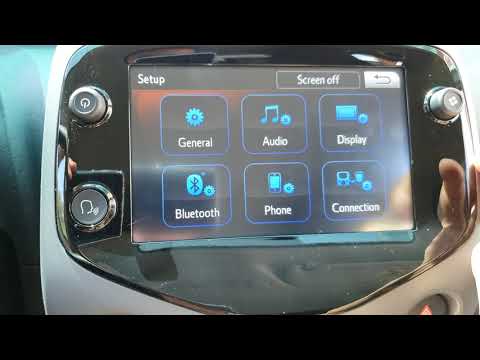
Toyota Aygo
(2014-2023 /
Ab40, MK 2)
In this video tutorial, you will see the necessary instructions to set and adjust the date and time on the Toyota Aygo, following these simple steps.…

…

Toyota Aygo
(2005-2014 /
Ab10, MK 1)
Today we will explain how to set the English language on the instrument panel of the Toyota Aygo. To do this, we need to turn on the instrument panel…
Other guides you may be interested in
|
How to Remove the Rear Seat of a Hyundai Tucson?
To remove the rear seat of a Hyundai Tucson, follow these steps. Start by moving the front seats to their most forward position to gain space. Next, locate the release lever on the underside of the rear seat, near the floor. Press this lever down while pulling the seat upwards to unlock it from the anchor pins. Once unlocked, tilt the seat upwards and forwards to remove it from its position. Repeat this process for both sides of the rear seat. Be careful of any electrical cables or components that may be connected to the seat during removal. Once the rear seat is removed, the disassembly is complete. by ScegliAuto More videos
|
|
For advertising on this site Write to info@scegliauto.com
ScegliAuto is not responsible for any inaccuracy of the data in the lists. To report any inaccuracy or your business (if you own the business in question), please write to info@scegliauto.com
Number of seconds to generate the page: 0.088
(c) ScegliAuto 2026 - info@scegliauto.com - Privacy policy VAT number: IT01247470535 |
