
|
Do it yourself
| |||
| ||||


How to remove the "Safe 2" message from a Volkswagen car radio
Model: Volkswagen Volkswagen Various
If we have changed the battery on our Volkswagen car, or if we have done some work that required disconnecting it, when the cables are reconnected, our original Volkswagen radio will show us the message "Safe 2". We will need the radio code to enter, which should be in the owner's manual, or in the service manual, or in the glove compartment. If we don't have it, we can try to find it on the website instant-radio-code.com, by entering the full chassis number. Or we can try the YouTuber's way, who after the maximum number of attempts, waited the prescribed hour and a half and by entering the code 1000, made the radio work.
Posted on 20 August 2025 by ScegliAuto
Video tutorial
Related tutorials
Volkswagen Volkswagen Various
When the code SAFE 2 appears on the radios of Volkswagen vehicles and the radio stops working, it means that it is necessary to enter the four-digit …
Volkswagen Volkswagen Various
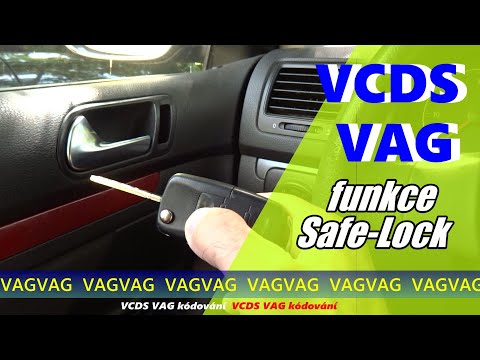
To disable the Safe Lock on Volkswagen vehicles, connect a diagnostic tool to the OBD port located on the lower left side of the dashboard, near the …
Volkswagen Volkswagen Various
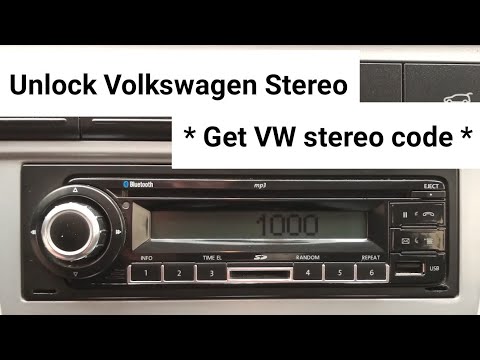
If the Volkswagen radio has gone into "safe" mode due to a power loss and you have lost the unlock code, you can attempt to retrieve it using the bar…
Other guides you may be interested in
|
How to open the fuel tank door in the Hyundai I20?
In this tutorial we can see how to open the fuel tank door in the Hyundai I20, a very simple operation similar to the typical procedure of many vehicles. First of all, let's go inside the cabin, it is not necessary to insert the key or unlock all the locks, then we locate and operate the lever located in the lower left area of the cabin, right next to the driver's seat. Once we have done this, we exit the vehicle, open the door completely and unscrew the fuel tank cap. To close the door, simply press it gently until you hear a click. by ScegliAuto More videos
|
For advertising on this site Write to info@scegliauto.com
ScegliAuto is not responsible for any inaccuracy of the data in the lists. To report any inaccuracy or your business (if you own the business in question), please write to info@scegliauto.com
Number of seconds to generate the page: 0.165
(c) ScegliAuto 2026 - info@scegliauto.com - Privacy policy VAT number: IT01247470535 |
