
|
Do it yourself
| |||
| ||||


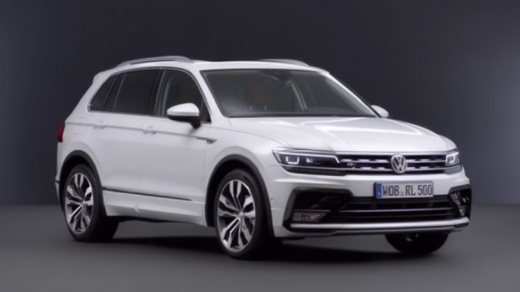
How to reset the service reminder on the Volkswagen Tiguan
Model: Volkswagen Tiguan
BW, MK 2, AD
- Years 2016-2025
Today we will see step by step instructions on how to reset the service maintenance light on the Volkswagen Tiguan. First, we get into the car and start by pressing and holding the reset button on the instrument panel; then we turn on the panel by pressing the button once, waiting about five seconds before releasing it, as shown in the video. At this point, we press the reset button once again, confirming the reset of the maintenance key from the display; all that's left to do is start the engine!
Posted on 20 September 2025 by ScegliAuto
Video tutorial
Related tutorials
Volkswagen Tiguan
(2016-2025 /
BW, MK 2, AD)
Below we will discover the instructions for resetting the maintenance service light on the Volkswagen Tiguan. First, we get into the car and start th…

Volkswagen Tiguan
(2016-2025 /
BW, MK 2, AD)
Here are the useful instructions to reset the service maintenance warning on the Volkswagen Tiguan. First, get in the vehicle and start the instrumen…

Volkswagen Tiguan
(2016-2025 /
BW, MK 2, AD)
Here are the instructions on how to reset the service warning for the regular maintenance oil change on the Volkswagen Tiguan. First, get inside the …
Other guides you may be interested in
|
How to Remove the Rear Seats of the Toyota Yaris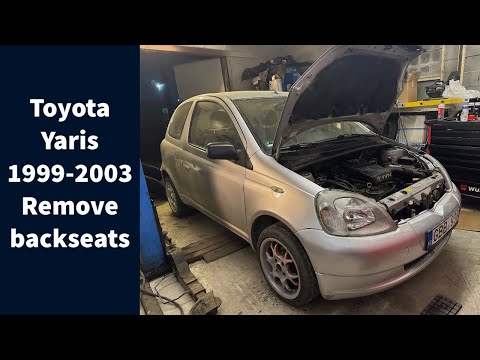
Today's guide will show you the procedure on how to remove and replace the rear seats of the Toyota Yaris, following the instructions below. First, open the tailgate and start reclining the rear seatbacks; then unscrew all the fixing screws found at their base to completely remove the seatbacks, as shown in the video. At this point, also remove the rear bench seat to complete the removal of the seats; all that remains is to refit all the rear seats, applying the reverse procedure! by ScegliAuto More videos
|
|
For advertising on this site Write to info@scegliauto.com
ScegliAuto is not responsible for any inaccuracy of the data in the lists. To report any inaccuracy or your business (if you own the business in question), please write to info@scegliauto.com
Number of seconds to generate the page: 0.155
(c) ScegliAuto 2026 - info@scegliauto.com - Privacy policy VAT number: IT01247470535 |
