
|
Do it yourself
| |||
| ||||


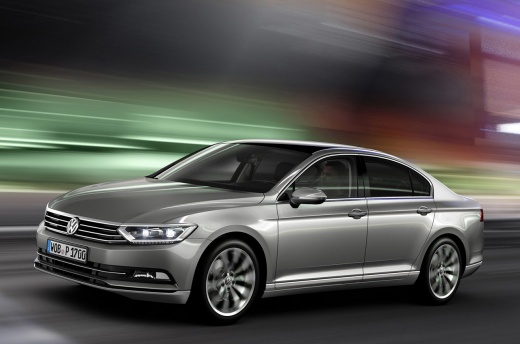
How to reset the service and inspection interval of the Volkswagen Passat B8
Model: Volkswagen Passat
B8, 3G, MK 8
- Years 2014-2023
How to reset the oil and service indicator on the Volkswagen Passat B8? For the oil indicator, we see it in the video: turn off the instrument panel, then press and hold the partial mileage reset button, in the center of the instrument panel, then turn on the panel. The message "reset oil change?" will appear on the display. Release the button and enter reset mode: press the reset button again and the indicator will be reset. The procedure to reset the inspection is similar, the onboard computer will ask if we want to reset the inspection. Confirm in the same way and we will have completed the operation.
Posted on 8 October 2025 by ScegliAuto
Video tutorial
Related tutorials
Volkswagen Passat
(2014-2023 /
B8, 3G, MK 8)
The following steps will allow us to reset the inspection warning (service) of the Volkswagen Passat. First, we get into the vehicle and start pressi…

Volkswagen Passat
(2010-2014 /
B7)
Today we will discover the instructions that will allow us to reset the service inspection light of the Volkswagen Passat, in simple steps. First of …

Volkswagen Passat
(2014-2023 /
B8, 3G, MK 8)
When the inspection light on the instrument panel of your Volkswagen Passat B8 continues to remain on even after performing the vehicle service, do n…
Other guides you may be interested in
|
How to Repair the Key Spring of the Peugeot 207?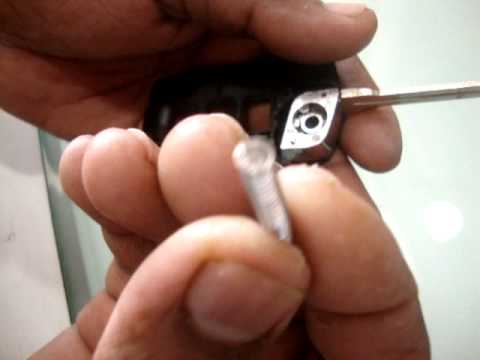
Over time, frequent use of the key's flip mechanism in the vehicle, dozens of times a day, inevitably leads to wear of the internal spring. As shown in this video, replacing the spring is quite simple and takes little time. After opening the casing halfway, first position the key, then the spring housing, and finally insert the spring into the previously mentioned housing. Close the casing by rotating it clockwise, ensuring all components fit perfectly, and test the key's flip mechanism. by ScegliAuto More videos
|
|
For advertising on this site Write to info@scegliauto.com
ScegliAuto is not responsible for any inaccuracy of the data in the lists. To report any inaccuracy or your business (if you own the business in question), please write to info@scegliauto.com
Number of seconds to generate the page: 0.101
(c) ScegliAuto 2026 - info@scegliauto.com - Privacy policy VAT number: IT01247470535 |
