
|
Do it yourself
| |||
| ||||


How to Change the Bulbs on a Golf Mk7
Model: Volkswagen Golf
Golf VII, MK 7, Golf 7
- Years 2012-2019
Are the rear lights on your Golf Mk7 not working anymore? Here’s how to replace the rear light bulbs. Open the boot lid and remove the screw covers from the trim with a screwdriver. Unscrew the retaining screws of the light and remove it from the vehicle. Once the rear light is removed: disconnect the bulb holder from the light, replace the damaged bulbs with new ones (ensure the voltage and size match the original). Finally, refit the rear light onto the vehicle. Test the correct operation of the rear lights after installation.
Updated on 8 March 2026 by ScegliAuto
Video tutorial
Related tutorials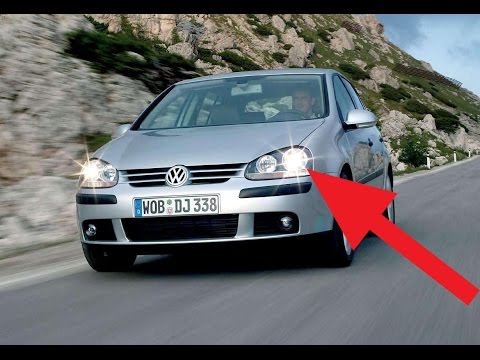
Volkswagen Golf
(2003-2008 /
MK 5, Golf 5, Golf V)
How to change the front headlamp bulb on a Golf Mk5? Open the front bonnet by pulling the lever located at the bottom right of the dashboard and secu…
Volkswagen Golf
(2012-2019 /
Golf VII, MK 7, Golf 7)
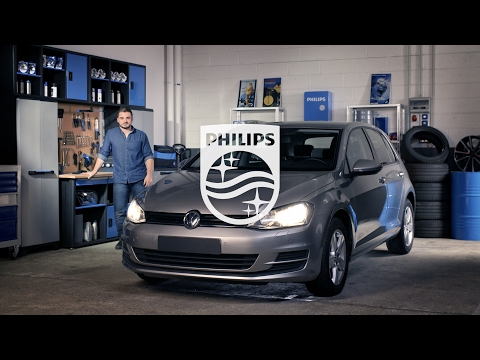
Do you want to remove the rear light with the bulbs on a Volkswagen Golf Series 7? Here's how to proceed with the removal. First, open the bonnet and…
Volkswagen Golf
(1997-2003 /
Golf IV, MK 4, Golf 4)
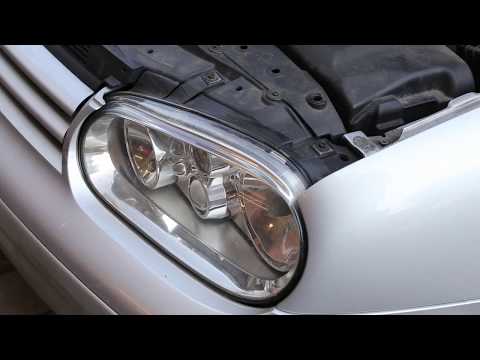
How do you replace the bulbs located in the front headlight of a Volkswagen Golf Mk4? Open the front bonnet by pulling the lever located at the botto…
Other guides you may be interested in
|
How to Replace the Cabin Filter on the Opel Grandland X
If you own an Opel Grandland X and want to know the steps to replace the cabin air filter, carefully read the following guide and follow the described steps. First, enter the vehicle and go to the passenger side. Then, locate the box containing the air filter in the lower side area of the dashboard. Remove the cover of the box and finally replace the old filter with the new one. Refit the cover, and you are done. by ScegliAuto More videos
|

|
For advertising on this site Write to info@scegliauto.com
ScegliAuto is not responsible for any inaccuracy of the data in the lists. To report any inaccuracy or your business (if you own the business in question), please write to info@scegliauto.com
Number of seconds to generate the page: 0.061
(c) ScegliAuto 2026 - info@scegliauto.com - Privacy policy VAT number: IT01247470535 |
