
|
Do it yourself
| |||
| ||||


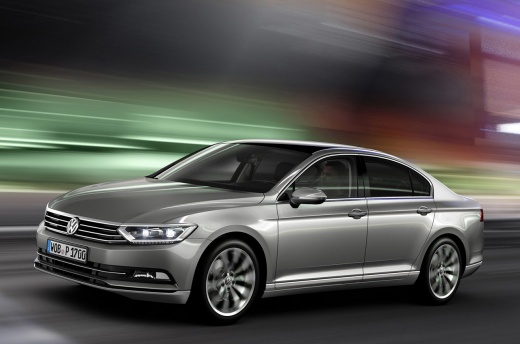
How to reset the service light on the Volkswagen Passat MK8?
Model: Volkswagen Passat
B8, 3G, MK 8
- Years 2014-2023
Video tutorial
Detailed instructions - You probably know that after performing a DIY service on your Volkswagen Passat MK8, you will need to reset the service light. You can do this without using the OBD port and workshop equipment; just follow the instructions in this video. Look in the bottom right corner of the dashboard for a small button: this allows you to access the settings menu, and you need to hold it down while turning the key to switch on the instrument panel. Now, from the menu you just opened, select the 'oil life reset' option and confirm by pressing the OK button on the steering wheel.
Posted on 5 October 2026 by ScegliAuto
Related tutorials
Volkswagen Passat
(2014-2023 /
B8, 3G, MK 8)
Begin the service light reset procedure on the Volkswagen Passat by ensuring the car is parked safely and the instrument cluster is off. Locate the 0…

Volkswagen Passat
(2014-2023 /
B8, 3G, MK 8)
On the Volkswagen Passat, it will be possible to completely make the Service light disappear by holding down the button on the right side of the dash…

Volkswagen Passat
(2014-2023 /
B8, 3G, MK 8)
In a few steps, we will see how to reset the maintenance service light for the oil change of the Volkswagen Passat. First, we get into the car and tu…
Other guides you may be interested in
|
How to Disable Eco Mode on the Peugeot 206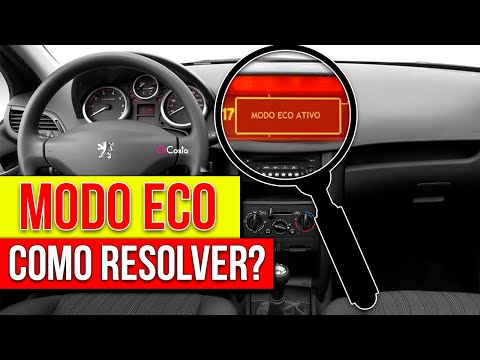
Let's see how to disable "Eco" mode on a Peugeot 206. Go to the battery compartment, disconnect the positive terminal, and count to 60. Now reconnect the positive terminal and return to the vehicle's interior. Turn the key to switch on the ignition without starting the engine. Count to 60 again, then turn off the ignition. Now count to three. Turn the key again to switch on the ignition, and count to 60 once more. Repeat this procedure five times in total. On the sixth time, start the engine for 1 minute. Turn it off and you will notice that Eco mode no longer appears. by ScegliAuto More videos
|
|
For advertising on this site Write to info@scegliauto.com
ScegliAuto is not responsible for any inaccuracy of the data in the lists. To report any inaccuracy or your business (if you own the business in question), please write to info@scegliauto.com
Number of seconds to generate the page: 0.219
(c) ScegliAuto 2026 - info@scegliauto.com - Privacy policy VAT number: IT01247470535 |
