
|
Do it yourself
| |||
| ||||


Replace the Rear Light on VW Up
Model: Volkswagen Up
MK 1
- Years 2011-2024
Do you want to remove the rear light on the VW Up? Let’s see how to remove the rear light. Lift the tailgate, find the cover on the side of the boot and remove it. Unscrew the securing nuts at the back of the rear light. Once the rear light is free from any constraints, you can detach it from the bodywork (disconnect the relevant power connectors). Replace the light and bulbs if damaged with equal size and voltage parts. Fit the new light by reversing the disassembly steps. Check the operation of the light bulbs.
Updated on 3 April 2026 by ScegliAuto
Video tutorial
Related tutorials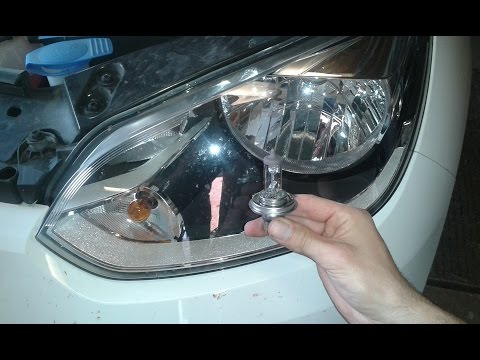
Volkswagen Up
(2011-2024 /
MK 1)
Have you blown a front headlight bulb? Here’s how to remove them on the Volkswagen Up. Open the front bonnet by pulling the lever located at the bott…
Volkswagen Up
(2011-2024 /
MK 1)
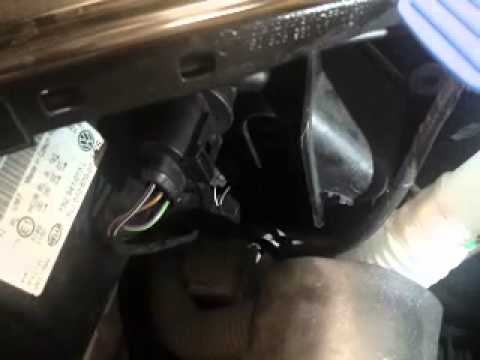
How to replace the front headlight bulbs on a Volkswagen Up? Follow these steps: open the bonnet by pulling the lever located at the bottom right of …
Volkswagen Up
(2011-2024 /
MK 1)
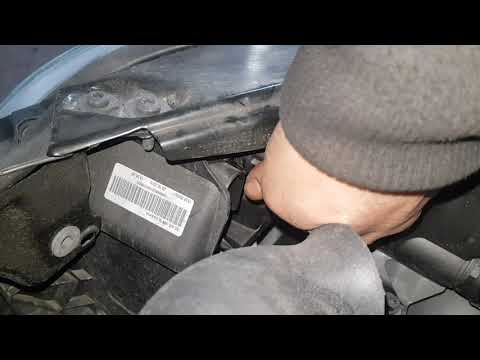
Let's see how to replace the damaged bulb of the front headlight. Lift the front bonnet by pulling the lever located at the bottom right of the dashb…
Other guides you may be interested in
|
Fuses Location and Diagram for the Volkswagen Crafter
In this guide, we will look at the location of the fuse boxes and how to find their diagram for the Volkswagen Crafter. First, get inside the vehicle and start by removing the plastic cover found under the steering wheel, to access the internal fuse box; you will find another fuse box in the engine compartment by removing the plastic cover located next to the battery. At this point, use the owner's manual to find the fuse diagram, which will allow you to identify and replace any blown fuses with new ones! by ScegliAuto More videos
|
|
For advertising on this site Write to info@scegliauto.com
ScegliAuto is not responsible for any inaccuracy of the data in the lists. To report any inaccuracy or your business (if you own the business in question), please write to info@scegliauto.com
Number of seconds to generate the page: 0.128
(c) ScegliAuto 2026 - info@scegliauto.com - Privacy policy VAT number: IT01247470535 |
