
|
Do it yourself
| |||
| ||||


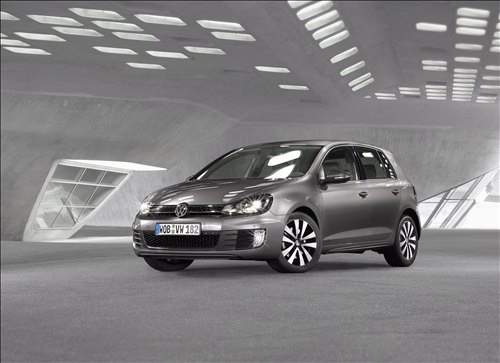
Installation of Additional Storage Compartment
Model: Volkswagen Golf
Golf 6, MK 6, 5K1, Golf VI
- Years:
2008, 2009, 2010, 2011, 2012
Video tutorial
Having more space to store items inside the vehicle is always very useful. To add new space, you need to obtain the storage compartment kit to be installed on the driver's side. Once you have the new accessory, start by removing the old panel located under the dashboard on the driver's side. If necessary, remove the four securing screws accessible by taking off the fuse cover, and then remove the knob control simply by lifting the plastic tabs that act as a stop. Now you can install the storage compartment by reversing the previous steps.
Updated on 7 February 2026 by ScegliAuto
Related tutorials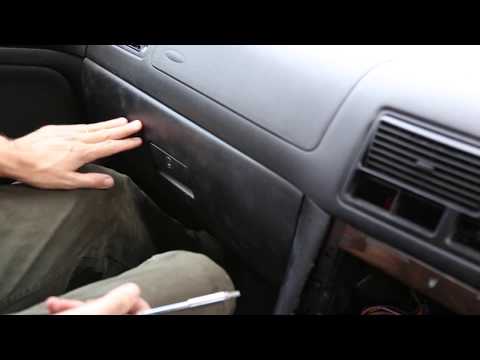
Volkswagen Golf
(1997-2003 /
Golf IV, Golf 4, MK 4)
To remove the glove box from the front passenger side of the Volkswagen Golf, open the glove box and unscrew the screws that secure it from the top. …

Volkswagen Golf
(2003-2008 /
Golf 5, MK 5, Golf V)
The tracker is a GPS locator equipped with a SIM card that can provide the vehicle's location coordinates via SMS. DIY installation is certainly the …

Volkswagen Golf
(2008-2012 /
Golf 6, MK 6, 5K1, Golf VI)
Replacing the bulbs of the number plate lights with LED type will give the vehicle a much more modern and appealing look, as well as significantly im…
Other guides you may be interested in
|
How to reset the tyre pressure warning light on the Kia Niro EV?
To reset the tyre pressure warning light on the Kia Niro EV, inflate the tyres until they reach the correct pressure value. This value is indicated on the sticker attached to the driver's door pillar. Once the tyres are inflated, turn on the instrument cluster to check that the warning light has completely disappeared from the display. If it is still present, you may need to drive for a few miles to ensure it disappears completely from the screen. by ScegliAuto More videos
|
|
For advertising on this site Write to info@scegliauto.com
ScegliAuto is not responsible for any inaccuracy of the data in the lists. To report any inaccuracy or your business (if you own the business in question), please write to info@scegliauto.com
Number of seconds to generate the page: 0.026
(c) ScegliAuto 2026 - info@scegliauto.com - Privacy policy VAT number: IT01247470535 |
