
|
Do it yourself
| |||
| ||||


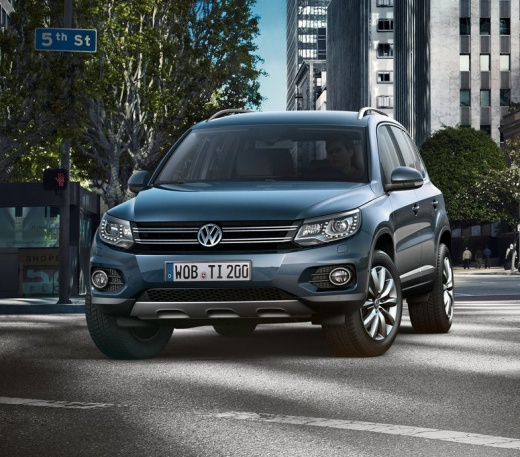
How to reset the Service light on a Volkswagen Tiguan?
Model: Volkswagen Tiguan
5N, MK 1
- Years 2007-2016
Video tutorial
Detailed instructions - To reset the Service light on a Volkswagen Tiguan, press and hold the 0.0/SET button located on the right side of the instrument cluster. While holding the button, insert the ignition key into the lock, turn it, and thus power on the cluster. Once it is on, you can release the button on the right and press the one on the left side of the cluster, marked with the two rectangle icons: this will reset the Service light, and you can turn off the instrument cluster.
Updated on 24 July 2026 by ScegliAuto
Related tutorials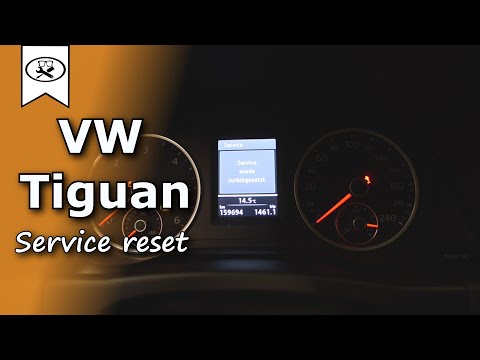
Volkswagen Tiguan
(2007-2016 /
5N, MK 1)
To reset the service light on a Volkswagen Tiguan, turn the ignition key in the appropriate lock to switch on the instrument cluster. Next, navigate …
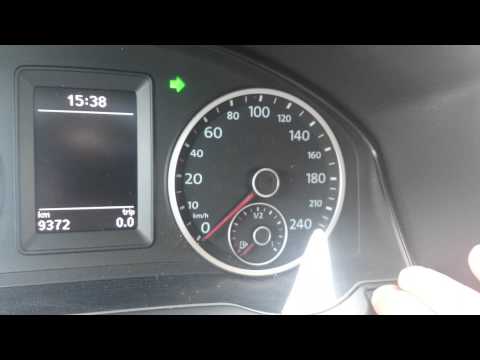
Volkswagen Tiguan
(2007-2016 /
5N, MK 1)
To reset the Service light on a Volkswagen Tiguan, turn the ignition key in the ignition barrel to switch on the instrument cluster. Next, navigate t…
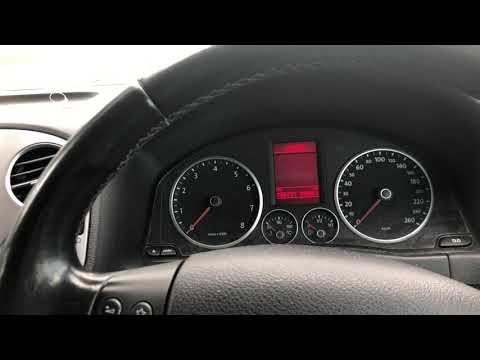
Volkswagen Tiguan
(2007-2016 /
5N, MK 1)
Before you begin, ensure that the service has been carried out, then sit in the driver's seat of your Volkswagen Tiguan. Start by activating the inst…
Other guides you may be interested in
|
How to Adjust the Handbrake on a BMW 1 Series?
To adjust the handbrake on a BMW 1 Series, use a tool to pry off the leather cover that wraps around the base of the handbrake lever. Once this cover is removed, you will be able to locate the spring that regulates the handbrake tension. At this point, adjust the nut located at the base of the spring: tightening the nut will make the handbrake firmer and reduce the lever's travel. Conversely, loosening the nut will decrease the handbrake's firmness and increase the lever's travel. by ScegliAuto More videos
|
|
For advertising on this site Write to info@scegliauto.com
ScegliAuto is not responsible for any inaccuracy of the data in the lists. To report any inaccuracy or your business (if you own the business in question), please write to info@scegliauto.com
Number of seconds to generate the page: 0.006
(c) ScegliAuto 2026 - info@scegliauto.com - Privacy policy VAT number: IT01247470535 |
