
|
Do it yourself
| |||
| ||||


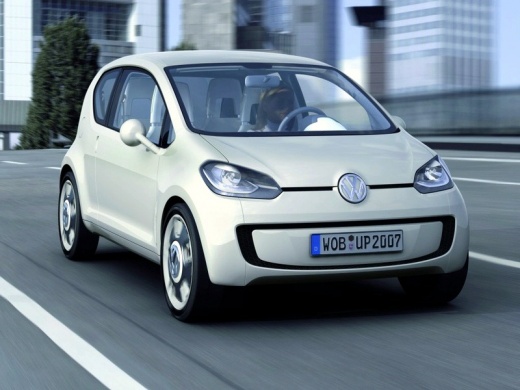
The Infotainment System on the Volkswagen Up
Model: Volkswagen Up
MK 1
- Years:
2011, 2012, 2013, 2014, 2015, 2016, 2017, 2018, 2019, 2020, 2021, 2022
Video tutorial
The infotainment system on the Volkswagen Up may seem a bit basic, but it is actually comprehensive and has many features; the radio has the four classic buttons, a dial to access the menu, and one for volume. The information displayed on the radio is mirrored on the 5" resistive touch screen (you will need to press a bit harder for it to register). In the multimedia menu, you will find the CD, Bluetooth for managing phone streaming from both the device and the screen, a micro SD card slot that inserts directly into the 5" screen, and an AUX-IN socket located on the dashboard of the radio. If you go to the "vehicle" section, you will find the onboard computer that provides useful information about the car and the journey. It also features "think blue", indicating if you are driving economically and environmentally friendly. Additionally, you have the option of a digital thermometer for the coolant and the outside temperature. There are also all the phone and navigation functionalities. When the vehicle is low on fuel, the navigation system automatically sets to guide you to the nearest petrol station. The navigation system also informs you about traffic conditions.
Updated on 11 August 2026 by ScegliAuto
Related tutorials
Volkswagen Up
(2011-2024 /
MK 1)
When it is time to change the engine oil of the Volkswagen Up, the control system alerts us with a message on the dashboard display. After replacing …

Volkswagen Up
(2011-2024 /
MK 1)
Through this very short video guide, you can see the entire procedure necessary to deactivate the traction control on your Volkswagen E-UP. The opera…

Volkswagen Up
(2011-2024 /
MK 1)
To deactivate Lane Assist on the Volkswagen Up, you will need to insert the ignition key into the ignition switch and turn it to start the instrument…
Other guides you may be interested in
|
How to reset the tyre pressure warning light on the Kia Niro EV?
To reset the tyre pressure warning light on the Kia Niro EV, inflate the tyres until they reach the correct pressure value. This value is indicated on the sticker attached to the driver's door pillar. Once the tyres are inflated, turn on the instrument cluster to check that the warning light has completely disappeared from the display. If it is still present, you may need to drive for a few miles to ensure it disappears completely from the screen. by ScegliAuto More videos
|
|
For advertising on this site Write to info@scegliauto.com
ScegliAuto is not responsible for any inaccuracy of the data in the lists. To report any inaccuracy or your business (if you own the business in question), please write to info@scegliauto.com
Number of seconds to generate the page: 0.034
(c) ScegliAuto 2026 - info@scegliauto.com - Privacy policy VAT number: IT01247470535 |
