
|
Do it yourself
| |||
| ||||


How to Replace the Brake Cylinder on a Volkswagen Golf
Model: Volkswagen Golf
Golf 2, MK 2
- Years:
1983, 1984, 1985, 1986, 1987, 1988, 1989, 1990, 1991, 1992
This video is currently unavailable
To replace the brake cylinder on a Volkswagen Golf, open the bonnet to access the components in the engine compartment: the cylinder is located at the rear lower part, near the driver's side. Here, loosen the bolts securing the cylinder to its housing, then disconnect the appropriate pipes; at this point, insert the new cylinder into its place, reconnect the pipes, and check that everything operates correctly.
Updated on 17 September 2026 by ScegliAuto
Related tutorials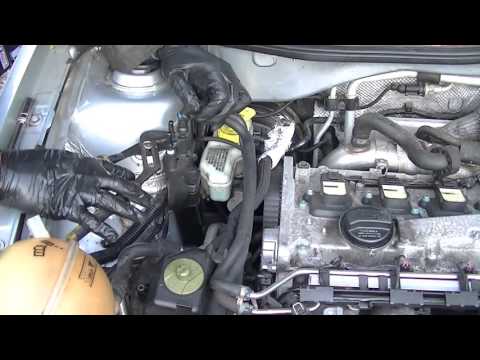
Volkswagen Golf
(1997-2003 /
Golf IV, Golf 4, MK 4)
If pressing the brake pedal causes it to sink rather than provide the correct resistance, there is a problem with the master cylinder. To replace it,…

Volkswagen Golf
(2012-2019 /
MK 7, Golf 7, Golf VII)
Let's see how it is possible to retract the electronic brake piston on the Volkswagen Golf 7 using the Kingbolen diagnostic tool. After connecting th…
Volkswagen Golf
(2003-2008 /
Golf 5, MK 5, Golf V)
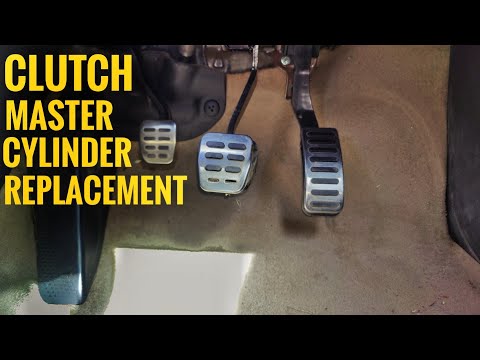
To replace the clutch cylinder on a Volkswagen Golf, open the bonnet to access the rear of the engine bay. Here, locate the screws securing the clutc…
Other guides you may be interested in
|
How to Open the Bonnet on the Mitsubishi L200?
In this tutorial, you will see how to open the bonnet on the Mitsubishi L200, a very simple operation that follows the standard procedure. First, open the vehicle and go to the driver's side, then locate the lever at the lower outer area, just in front of the pedals, and pull it. Next, position yourself in front of the bonnet, locate the second lever above the Mitsubishi logo, and push it to the right, releasing the latch. At this point, you can fully lift the bonnet and secure it with the prop rod. by ScegliAuto More videos
|
|
For advertising on this site Write to info@scegliauto.com
ScegliAuto is not responsible for any inaccuracy of the data in the lists. To report any inaccuracy or your business (if you own the business in question), please write to info@scegliauto.com
Number of seconds to generate the page: 0.021
(c) ScegliAuto 2026 - info@scegliauto.com - Privacy policy VAT number: IT01247470535 |
