
|
Do it yourself
| |||
| ||||


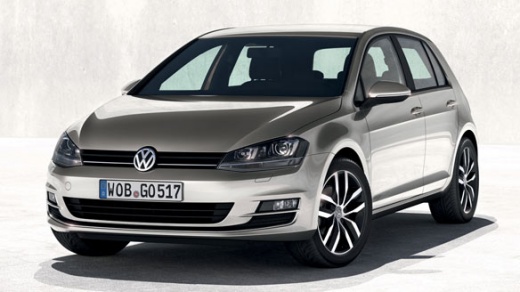
How to Install a Black Badge on the VW Golf 7 Grille
Model: Volkswagen Golf
MK 7, Golf 7, Golf VII
- Years:
2012, 2013, 2014, 2015, 2016, 2017, 2018, 2019
Video tutorial
If you want to give a more aggressive and sporty look, installing the manufacturer's badge on the black front grille is certainly the right choice. You can purchase this part aftermarket instead of painting or modifying the original: it’s better to keep the original for reinstallation later. Use a small screwdriver, perhaps applying masking tape to the tip to avoid damage, and pry around the edge of the badge to release it. It will come off with the underlying support, which should then be attached to the new badge for subsequent fixing to the grille.
Updated on 26 February 2026 by ScegliAuto
Related tutorials
Volkswagen Golf
(2008-2012 /
Golf 6, MK 6, 5K1, Golf VI)
Learn how to remove the car logo badge from the tailgate of a Volkswagen Golf Mk6. Obtain some plastic trim tools to avoid scratches, then pry betwee…
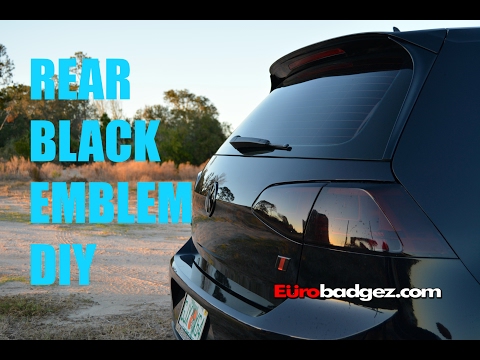
Volkswagen Golf
(2012-2019 /
MK 7, Golf 7, Golf VII)
Let's see in this video how to remove and refit the badge logo on the rear tailgate of a Volkswagen Golf. Obtain some scratch-free plastic levers, th…
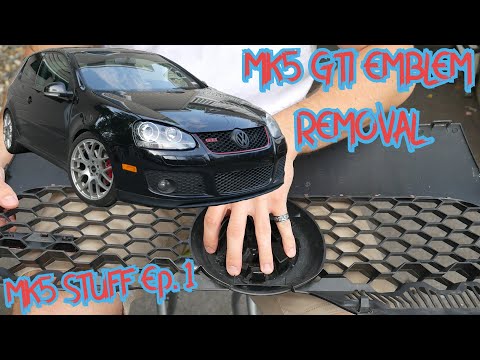
Volkswagen Golf
(2003-2008 /
Golf 5, MK 5, Golf V)
Let's briefly go through the steps to remove and replace the front manufacturer's badge on a Volkswagen Golf, GTI version. First, move to the front o…
Other guides you may be interested in
|
How to reset the tyre pressure warning light on the Kia Niro EV?
To reset the tyre pressure warning light on the Kia Niro EV, inflate the tyres until they reach the correct pressure value. This value is indicated on the sticker attached to the driver's door pillar. Once the tyres are inflated, turn on the instrument cluster to check that the warning light has completely disappeared from the display. If it is still present, you may need to drive for a few miles to ensure it disappears completely from the screen. by ScegliAuto More videos
|
|
For advertising on this site Write to info@scegliauto.com
ScegliAuto is not responsible for any inaccuracy of the data in the lists. To report any inaccuracy or your business (if you own the business in question), please write to info@scegliauto.com
Number of seconds to generate the page: 0.096
(c) ScegliAuto 2026 - info@scegliauto.com - Privacy policy VAT number: IT01247470535 |
