
|
Do it yourself
| |||
| ||||


Where to Find the OBD Port on the Volvo XC60
Model: Volvo Xc60
MK 2
- Years 2017-2026
In this new mini guide for all you owners of a second-generation Volvo XC60 (model years 2017-2022), you will discover where the OBD port is located. This port allows you to connect any professional diagnostic tool useful for identifying and resolving issues with the vehicle's ECU or electrical system. First, go to the driver's side and ensure the vehicle is turned off and parked safely. Next, reach the lower area of the steering wheel and locate the OBD port. At this point, you can finally use a diagnostic tool without any issues.
Updated on 27 June 2026 by ScegliAuto
Video tutorial
Related tutorials
Volvo Xc60
(2017-2026 /
MK 2)
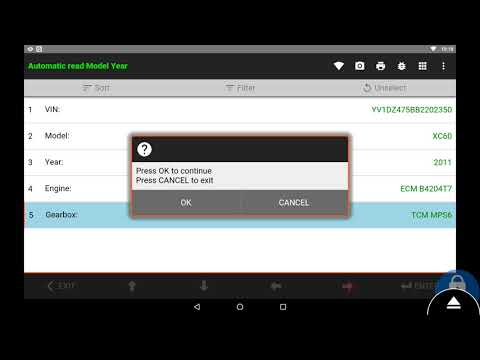
In this video, we can see where the OBD port is located in the Volvo XC60, useful in case we need to check the errors recorded by the ECU using the a…
Volvo Xc60
(2008-2016 /
MK 1)
To reset the Service light on a Volvo XC60, turn on the ignition and then connect a diagnostic tool to the vehicle's OBD port. This port is located o…

Volvo Xc60
(2017-2026 /
MK 2)
The Volvo XC60 has one of the highest numbers of fuse boxes on board. The first two can be found inside the engine compartment, both just below the w…
Other guides you may be interested in
|
How to Check the Oil Level on a Jeep Renegade?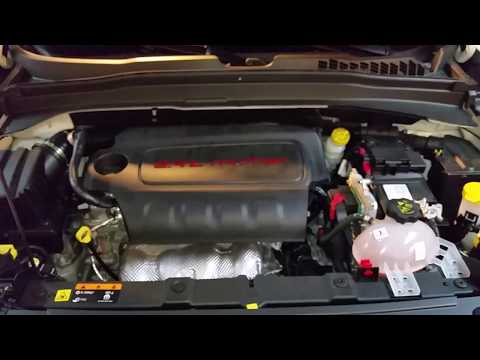
To check the oil level on a Jeep Renegade, you need to open the bonnet to access the components inside the engine bay: on the lower left side of the engine block, you will find the dipstick for checking the level. This should be pulled out and thoroughly cleaned with a cloth: once cleaned, reinsert it back into its tube and pull it out immediately after. This way, you can check that the oil mark is between the minimum and maximum levels; finally, you can place the dipstick back in its tube. by ScegliAuto More videos
|
|
For advertising on this site Write to info@scegliauto.com
ScegliAuto is not responsible for any inaccuracy of the data in the lists. To report any inaccuracy or your business (if you own the business in question), please write to info@scegliauto.com
Number of seconds to generate the page: 0.080
(c) ScegliAuto 2026 - info@scegliauto.com - Privacy policy VAT number: IT01247470535 |
