
|
Do it yourself
| |||
| ||||


Installing a New Hub and Bearings
Model: BMW Serie 5
E39
- Years 1995-2003
In this video, the wheel hub bearing of a BMW 5 Series is replaced. First, after lifting the vehicle on a jack and removing the wheel, disconnect the brake caliper using a T45 ratchet wrench. Also, detach its spring and hang the caliper to the side of the wheel. Remove the caliper bracket with an 18 mm socket and an extension bar if necessary. Now, using a 6 mm Allen wrench, unscrew the bolt that secures the brake rotor and pull it out. The shock absorber bolts are also removed, and the ABS sensor is disconnected with a 5 mm Allen wrench. Now, moving from the back, you need to remove the piece that contains the hub. To do this, use a socket to unscrew the two bolts that hold it. At this point, you can install the new hub, positioning it like the previous one and securing it from the back.
Updated on 9 February 2026 by ScegliAuto
Video tutorial
Related tutorials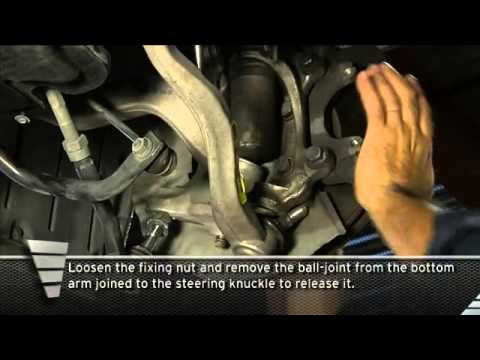
BMW Serie 5
(2003-2010 /
E60, E61)
To replace the front shocks, you first need to have the appropriate clamps to compress the spring so you can remove the shock mount; start by lifting…

BMW Serie 5
(1995-2003 /
E39)
If you need to remove the rear wheel, loosen the mounting bolts without completely unscrewing them before lifting the vehicle; then lift the car and …
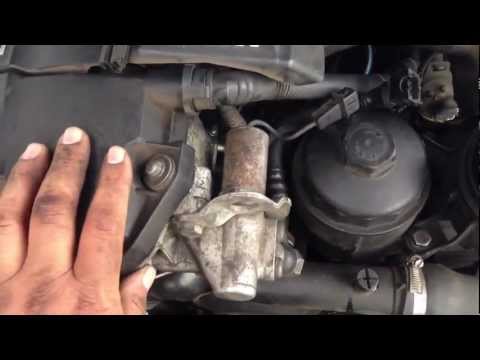
BMW Serie 5
(1995-2003 /
E39)
The necessary steps to perform the operation shown in the following guide consist of: 1) remove the battery cover of your car, 2) disconnect the nega…
Other guides you may be interested in
|
How to Pair Smartphone with Bluetooth System on Fiat Tipo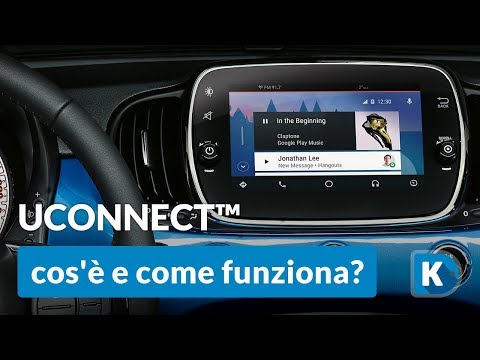
Here’s how to pair your smartphone with the Bluetooth system of the Fiat Tipo's car radio: activate the Bluetooth on your smartphone and set the car radio to connect with the external device. When the car's multimedia system detects your smartphone's Bluetooth, confirm and click on the 'new cell' option. Once the system has detected the smartphone, enter the pairing password if necessary. Finally, download the app on your smartphone and confirm the pairing with the car's multimedia system. Now your smartphone is connected to your car. by ScegliAuto More videos
|
|
For advertising on this site Write to info@scegliauto.com
ScegliAuto is not responsible for any inaccuracy of the data in the lists. To report any inaccuracy or your business (if you own the business in question), please write to info@scegliauto.com
Number of seconds to generate the page: 0.050
(c) ScegliAuto 2026 - info@scegliauto.com - Privacy policy VAT number: IT01247470535 |
