
|
Do it yourself
| |||
| ||||


Battery Replacement Without Reprogramming Unlock Codes
Model: BMW Serie 7
E68, MK 4, E65, E67, E66
- Years:
2001, 2002, 2003, 2004, 2005, 2006, 2007, 2008
Video tutorial
It is evident that when disconnecting the battery, you will need to enter the various unlock codes for the radio and subsequently reprogram the onboard computer by setting the clock, date, stored radio stations, and so on; a trick to avoid all this is to connect a booster or battery charger to the jump terminals located in the engine compartment, near the driver's side strut tower, so as not to cut power to the control modules during battery removal; having taken this precaution, you can proceed with the battery replacement located in the trunk, beneath the load floor: you will need to remove the load floor and the spare tire.
Updated on 18 February 2026 by ScegliAuto
Related tutorials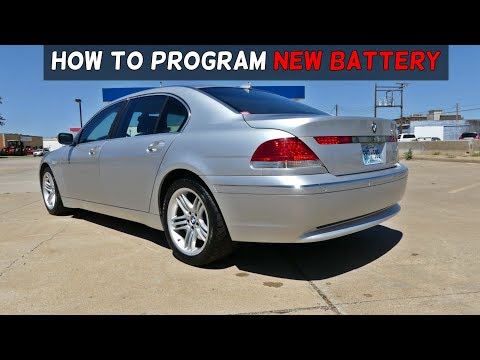
BMW Serie 7
(2001-2008 /
E68, MK 4, E65, E67, E66)
On this car model, you can store the battery replacement as a maintenance record, keeping track of the date, mileage, and type of battery installed. …

BMW Serie 7
(2022-2026 /
G70)
In this video, we will see how to change the battery of a BMW 7 Series, and then code it, in order to ensure its correct operation. The battery is no…
BMW Serie 7
(2001-2008 /
E68, MK 4, E65, E67, E66)
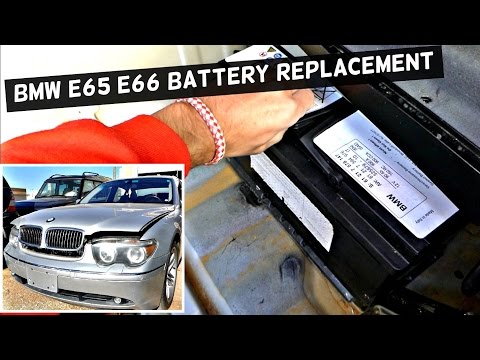
If the battery is so drained that it prevents the engine from starting but you can still turn on the ignition, the programming memories for the clock…
Other guides you may be interested in
|
How to Reset the AdBlue Warning Light on a Peugeot Boxer
To reset the AdBlue system on a 2018 Peugeot Boxer, follow these steps: Start the engine and ensure the vehicle is parked in a well-ventilated area. Locate the "MENU" button on the dashboard or steering wheel controls. Press and hold the "MENU" button until the menu options appear on the display. Use the arrow buttons or scroll wheel to access the "Vehicle Settings" or "Settings" menu. Select the "AdBlue" or "AdBlue System" option. Look for the "Recharge" or "Reset" option in the AdBlue menu. Once you find the reset option, select it and confirm your choice when prompted. The system will be reset, and a confirmation message may appear on the display. Turn off the engine and wait a few seconds. Restart the engine and check that the AdBlue system has been reset. by ScegliAuto More videos
|
|
For advertising on this site Write to info@scegliauto.com
ScegliAuto is not responsible for any inaccuracy of the data in the lists. To report any inaccuracy or your business (if you own the business in question), please write to info@scegliauto.com
Number of seconds to generate the page: 0.102
(c) ScegliAuto 2026 - info@scegliauto.com - Privacy policy VAT number: IT01247470535 |
