
|
Do it yourself
| |||
| ||||


Installing OBD Interface for Parameter Display
Model: BMW Serie 7
E66, E67, E68, E65, MK 4
- Years 2001-2008
This accessory is a device that connects to the OBD diagnostic port of your vehicle and pairs with an application downloaded on your smartphone: it can perform multiple functions including satellite theft protection, diagnosing various control units, and sending alerts to your smartphone (if the vehicle is started, moved, bumped, exceeds a certain speed, exceeds a certain engine RPM, maintenance deadlines, insurance, inspection, etc.) or requesting a remote diagnosis from an authorized workshop. This way, you can constantly monitor your vehicle.
Updated on 22 February 2026 by ScegliAuto
Video tutorial
Related tutorials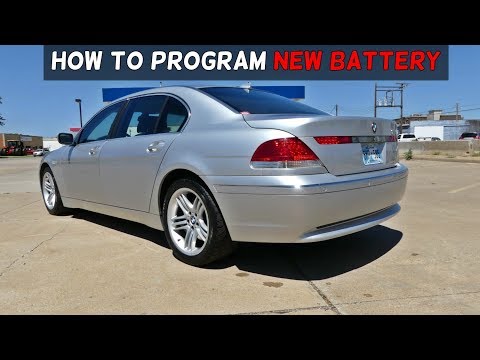
BMW Serie 7
(2001-2008 /
E66, E67, E68, E65, MK 4)
On this car model, you can store the battery replacement as a maintenance record, keeping track of the date, mileage, and type of battery installed. …
BMW Serie 7
(2001-2008 /
E66, E67, E68, E65, MK 4)
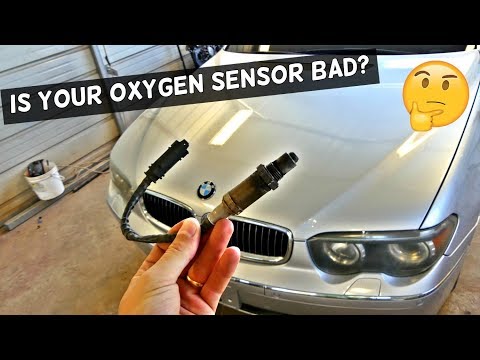
The oxygen sensor, commonly known as the lambda sensor, detects the concentration of oxygen in the exhaust gases to maintain the air-fuel ratio (kg a…

BMW Serie 7
(2015-2022 /
MK 6, G11, G12)
Note that the tutorial video provided was made using a 2017 BMW 7 Series, but the work done applies to any BMW vehicle. The electronic sensors that m…
Other guides you may be interested in
|
How to Adjust the Brightness of the Instrument Cluster on a Peugeot 3008?
To adjust the brightness of the instrument cluster on a Peugeot 3008, you need to turn on the ignition and access the settings via the menu located in the central area of the dashboard. In the screen that appears, select the "Display Configuration" option: now, by selecting the "Brightness" option, you can adjust it using the dedicated slider that will appear on the screen. The adjustment should be made with the headlights on as well as with them off. Once the adjustment is complete, you can turn off the instrument cluster. by ScegliAuto More videos
|
|
For advertising on this site Write to info@scegliauto.com
ScegliAuto is not responsible for any inaccuracy of the data in the lists. To report any inaccuracy or your business (if you own the business in question), please write to info@scegliauto.com
Number of seconds to generate the page: 0.090
(c) ScegliAuto 2026 - info@scegliauto.com - Privacy policy VAT number: IT01247470535 |
