
|
Do it yourself
| |||
| ||||


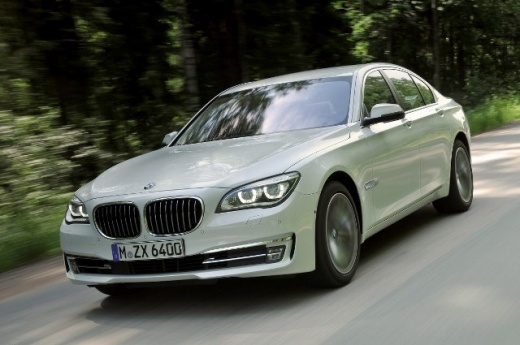
How to Replace the Fuel Pump in a BMW 7 Series?
Model: BMW Serie 7
F02, MK 5, F01
- Years:
2008, 2009, 2010, 2011, 2012, 2013, 2014, 2015
Video tutorial
In this tutorial, you will see how to replace the fuel pump in a BMW 7 Series, a very simple and quick operation. Before proceeding, disconnect the negative terminal of the battery to work safely. Start by opening the right rear door, then grab the seat cushion and lift it. Next, open the large cover located on the right side, disconnect both the power connector and the two fuel lines, and unscrew the outer ring. At this point, simply remove the pump, insert the replacement, and follow the reverse procedure.
Updated on 7 September 2026 by ScegliAuto
Related tutorials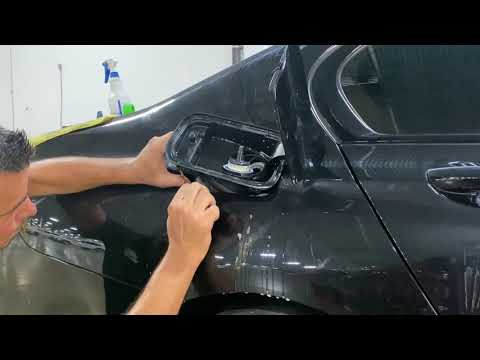
BMW Serie 7
(2015-2022 /
MK 6, G11, G12)
To replace the fuel door on a BMW 7 Series, first completely unscrew the cap after opening the fuel door. Once the cap is open, pry at the bottom of …
BMW Serie 7
(2001-2008 /
E68, MK 4, E65, E67, E66)
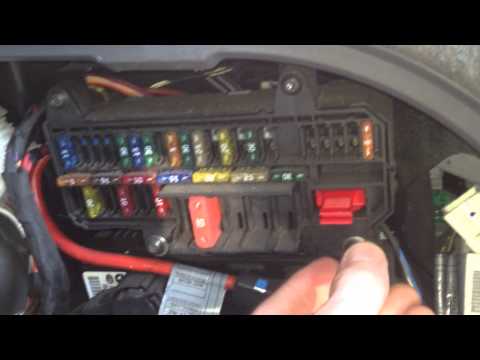
The fuses in the BMW 7 Series are located inside dedicated fuse boxes present in the vehicle: in this car model, you can find two boxes for holding t…
BMW Serie 7
(2001-2008 /
E68, MK 4, E65, E67, E66)
If you own a BMW 7 Series E65 (2002-2008) and want to learn how to locate and access the fuses, read this guide and follow the instructions provided.…
Other guides you may be interested in
|
How to Reset the Tyre Pressure Warning Light on a Kia Rio?
The tyre pressure warning light displayed on the instrument cluster of the Kia Rio can be reset by inflating the tyres until they reach the recommended pressure value: this value is indicated on the sticker affixed to the driver's door pillar. Once all tyres have been inflated to the recommended pressure, turn on the ignition to check that the light has disappeared: if it is still present, it may be necessary to drive for a few miles, allowing the sensors to work and thus turning off the light. by ScegliAuto More videos
|
|
For advertising on this site Write to info@scegliauto.com
ScegliAuto is not responsible for any inaccuracy of the data in the lists. To report any inaccuracy or your business (if you own the business in question), please write to info@scegliauto.com
Number of seconds to generate the page: 0.069
(c) ScegliAuto 2026 - info@scegliauto.com - Privacy policy VAT number: IT01247470535 |
