
|
Do it yourself
| |||
| ||||


Reset Airbag Light on Jeep, Fiat, Dodge, and Chrysler Cars
Model: Chrysler Chrysler Various
In this tutorial, you will learn a method to reset the airbag light, but it is still advisable to take the car to a workshop to check for any actual malfunctions. Turn on the ignition with the appropriate key and switch it off immediately. Do this two or three times. If it doesn't work, connect the scan tool to the car's ECU as shown in the video. This tool is used to detect and, if necessary, correct any errors and incorrect signals reaching the ECU, such as your airbag light. Once the scan tool is connected, access the airbag section and reset it. If this is not enough, remove the door panel and replace the airbag sensor.
Updated on 19 April 2026 by ScegliAuto
Video tutorial
Related tutorials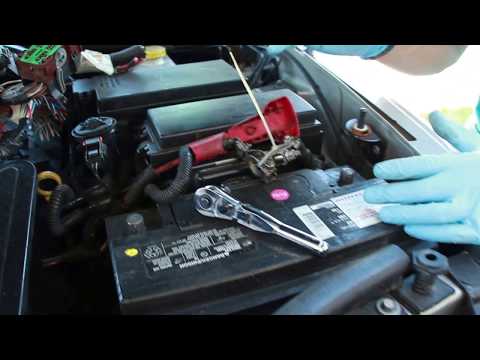
Chrysler Chrysler Various
Today, you will learn a simple yet clever trick to reset the car's ECU at no cost. Switch off the car, engage the handbrake, and remove the ignition …
Chrysler Chrysler Various
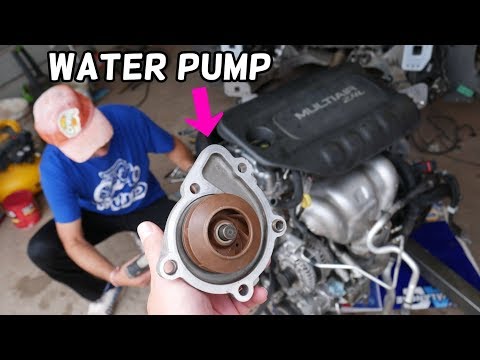
In this video, you will see how to remove the water pump on various models of Fiat, Chrysler, and Dodge equipped with MultiAir engines. The engine is…

Chrysler Chrysler Various
In this video tutorial, you will learn how to open the bonnet on certain models of Chrysler and Dodge. First, pull the bonnet release lever located i…
Other guides you may be interested in
|
How to replace the horn on a Renault Duster - Dacia Duster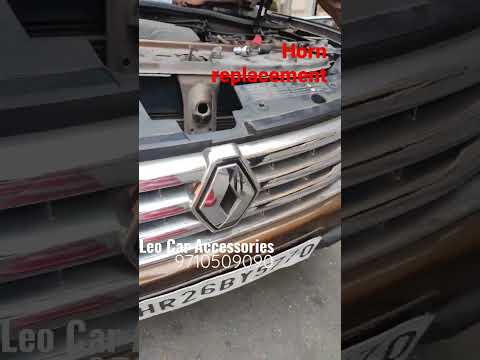
Today's main instructions will show you the procedure for removing and replacing the horn or sound signal on the Renault Duster, as well as the Dacia Duster. First, open the bonnet of the vehicle and start removing the front bumper by unscrewing all the fixing screws; you will find the horn right in front of the radiator, as shown in the video. At this point, disconnect the electrical connector and unscrew the bracket screw to remove and replace the horn with the new one; finally, reassemble the front bumper! by ScegliAuto More videos
|
|
For advertising on this site Write to info@scegliauto.com
ScegliAuto is not responsible for any inaccuracy of the data in the lists. To report any inaccuracy or your business (if you own the business in question), please write to info@scegliauto.com
Number of seconds to generate the page: 0.129
(c) ScegliAuto 2026 - info@scegliauto.com - Privacy policy VAT number: IT01247470535 |
