
|
Do it yourself
| |||
| ||||


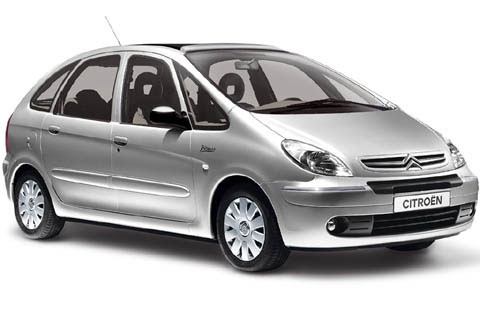
How to Change the Battery on a Citroen Xsara Picasso
Model: Citroen Xsara Picasso
MK 1
- Years:
1999, 2000, 2001, 2002, 2003, 2004, 2005, 2006, 2007, 2008, 2009, 2010
Video tutorial
The battery of the Citroen Xsara Picasso is not located in the engine bay but under the driver's seat (left-hand drive); therefore, move the seat all the way forward and remove the headrest, as tilting the seat forward may hit the windscreen. Behind the seat, you will find a plastic cover secured only by clips; remove it while tilting the seat forward. If working alone, tie a rope to the steering wheel to keep the seat tilted and have both hands free. The battery is secured with a metal bracket; remove the bolt and take off the bracket, disconnect the cables starting with the negative and then the positive, and pull out the battery. To refit, follow the reverse steps.
Posted on 14 May 2026 by ScegliAuto
Related tutorials
Citroen Xsara Picasso
(1999-2012 /
MK 1)
In today's article, we will see how to replace the battery of the Citroen Xsara Picasso key. For this procedure, a flathead screwdriver will be neces…
Citroen Xsara Picasso
(1999-2012 /
MK 1)
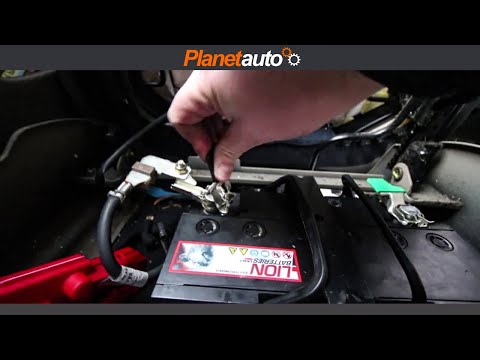
Replace the vehicle's power battery? Remove the power battery in a Citroen Xsara Picasso. Open the car door and lift the driver's seat; the battery i…
Citroen Xsara Picasso
(1999-2012 /
MK 1)
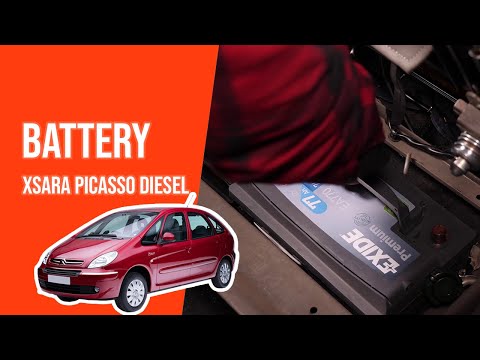
Below are the instructions to remove and replace the battery of the Citroen Xsara Picasso 2.0 HDI. First, open the bonnet of your car and start unscr…
Other guides you may be interested in
|
How to Set the Time in an Audi A4?
In this tutorial, you will see how to set the time in an Audi A4, a very simple and quick operation to perform after replacing the battery or when the time changes. First, insert the key and turn on the instrument cluster. Then, press the "SETUP" button located on the center console. Next, press the upper left arrow button, navigate to the "Time" option, and use the central knob to adjust the clock. Finally, set any necessary formats and save by returning to the main screen. by ScegliAuto More videos
|
|
For advertising on this site Write to info@scegliauto.com
ScegliAuto is not responsible for any inaccuracy of the data in the lists. To report any inaccuracy or your business (if you own the business in question), please write to info@scegliauto.com
Number of seconds to generate the page: 0.071
(c) ScegliAuto 2026 - info@scegliauto.com - Privacy policy VAT number: IT01247470535 |
