
|
Do it yourself
| |||
| ||||


Removing Front Indicator Light
Model: Dodge Charger
LX
- Years:
2006, 2007, 2008, 2009, 2010, 2011
Video tutorial
The front indicator light is located next to the front headlamp and is secured to the bodywork with a plastic tab; while there is enough space on the passenger side to reach in and release the tab, on the driver side you will need to remove the engine air filter box to access the tab; it is located at the bottom of the indicator light, and you can lever on one edge to widen it and detach it from the bodywork; once the tab is released, pull the indicator light forward and disconnect the bulb holder.
Updated on 17 February 2026 by ScegliAuto
Related tutorials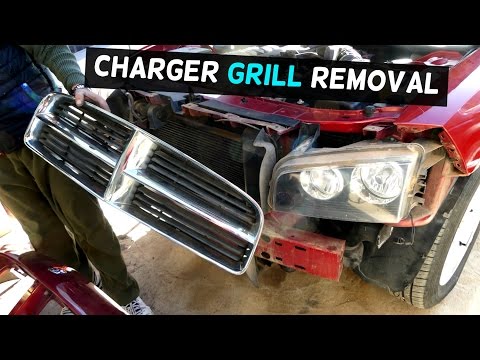
Dodge Charger
(2006-2011 /
LX)
To comfortably remove the front bumper, it is recommended to lift the vehicle on suitable axle stands and remove the front wheels, as the plastic whe…
Dodge Charger
(2006-2011 /
LX)
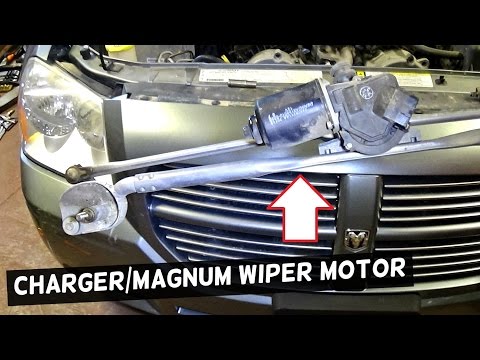
To remove the windscreen wiper motor, start by taking off the wiper arms: remove the caps protecting the nuts securing the arms, unscrew the nuts, an…
Dodge Charger
(2006-2011 /
LX)
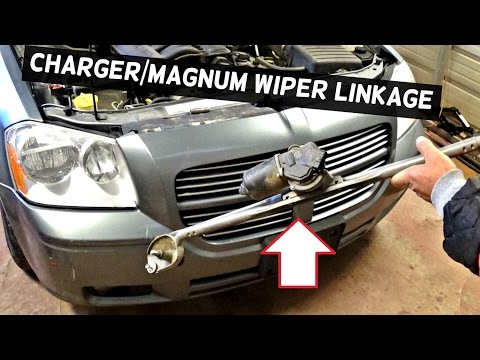
The wiper motor mechanism consists of a motor and a lever system that rotates the wipers. This mechanism is located beneath the plastic cover directl…
Other guides you may be interested in
|
How to Remove the Toll Tag Holder from the Car Windscreen
The toll tag holder is usually attached to the car windscreen to ensure that the toll tag functions immediately when passing through barriers. However, if you decide to remove the holder, you should follow this procedure: - Insert the toll tag into the holder; - Pull the holder inwards to detach it from the windscreen; you can use a glass scraper or a stiff plastic card to assist you; After removing the holder, it is essential to remove the adhesive from the windscreen. To remove the adhesive, we recommend using a solvent-based spray that will remove the glue without clouding the area. by ScegliAuto More videos
|
|
For advertising on this site Write to info@scegliauto.com
ScegliAuto is not responsible for any inaccuracy of the data in the lists. To report any inaccuracy or your business (if you own the business in question), please write to info@scegliauto.com
Number of seconds to generate the page: 0.090
(c) ScegliAuto 2026 - info@scegliauto.com - Privacy policy VAT number: IT01247470535 |
