
|
Do it yourself
| |||
| ||||


How to Remove Broken Glow Plugs from a Fiat Ducato
Model: Fiat Ducato
X290
- Years:
2014, 2015, 2016, 2017, 2018, 2019, 2020, 2021, 2022, 2023, 2024, 2025
Video tutorial
Unfortunately, breaking a glow plug during replacement is a real risk, especially on 2.3 JTD Ducato engines. This happens because the plug corrodes and gets stuck in the cylinder head, and when you try to unscrew it, its thin structure cannot withstand the necessary torque. However, with the right tools and the correct technique, you can remove the broken plug without dismantling the cylinder head. This is not exactly a tool for DIY enthusiasts, as these professional devices, which can be found on pilcher. Tools/at-en, are priced appropriately for professional equipment: universal ones covering various sizes range from £1,130 to £1,440. There are compatible kits available at lower costs, starting from around £150 to £180 for semi-professional solutions (found on Foxcar) down to under £80 for amateur kits sold on platforms like Amazon or eBay.
Posted on 18 April 2026 by ScegliAuto
Related tutorials
Fiat Ducato
(2006-2014 /
X250)
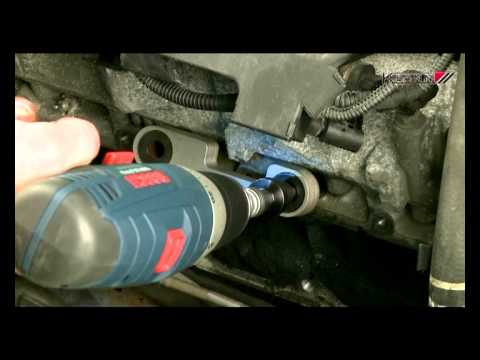
Today we will discover the main instructions that will allow us to disassemble and replace the glow plugs of the Fiat Ducato 2.3 Multijet. First of a…
Fiat Ducato
(2006-2014 /
X250)
Remove the glow plugs from a Fiat Ducato. Watch this detailed video on how to proceed with the removal. Pull the engine compartment release lever loc…
Fiat Ducato
(1993-2016 /
MK 2)
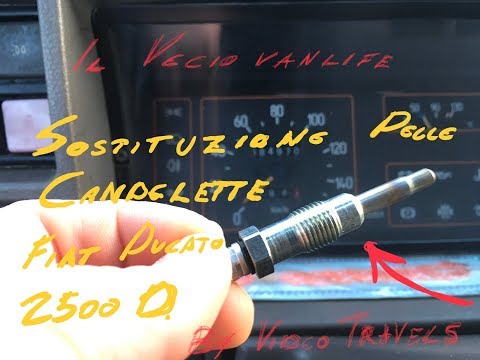
In this video, see how to replace the glow plugs on a Fiat Ducato 2.5 Aspirated. Unfortunately, on this engine, the fuel pump is located in front of …
Other guides you may be interested in
|
How to Set the Date and Time on the Iveco Daily
Today, we will see in this video tutorial how to change the date and time on the Iveco Daily. First, get into the vehicle and turn on the instrument panel; then go to the vehicle settings on the central display, pressing the relevant option for date and time. At this point, press the "set" button located at the top, using the physical arrow buttons to set both the date and time; finally, exit the onboard computer menu to save the changes made! by ScegliAuto More videos
|
|
For advertising on this site Write to info@scegliauto.com
ScegliAuto is not responsible for any inaccuracy of the data in the lists. To report any inaccuracy or your business (if you own the business in question), please write to info@scegliauto.com
Number of seconds to generate the page: 0.022
(c) ScegliAuto 2026 - info@scegliauto.com - Privacy policy VAT number: IT01247470535 |
