
|
Do it yourself
| |||
| ||||


Additives, Checks and Maintenance
Model: Fiat Punto
MK 2, 188
- Years 1999-2011
Regular maintenance of the vehicle ensures a long life. Adding specific additives to the engine oil, gearbox oil, and petrol improves performance, cold starts, cleans the inside of the engine, and reduces sludge in the engine. To add the additive, disconnect the fuel line, insert the container's mouth, and press to introduce the correct amount of liquid. Wait a while for the additive to take effect. Start the engine in an open space and perform various accelerations to continue the cleaning. If necessary, proceed with a second attempt.
Updated on 8 February 2026 by ScegliAuto
This video is currently unavailable
Related tutorials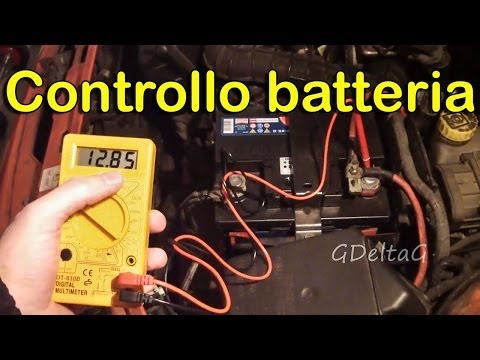
Fiat Punto
(1999-2011 /
MK 2, 188)
Regular maintenance of the vehicle ensures a long life and prevents breakdowns. The checks that every driver can perform are very simple but importan…
Fiat Punto
(1999-2011 /
MK 2, 188)
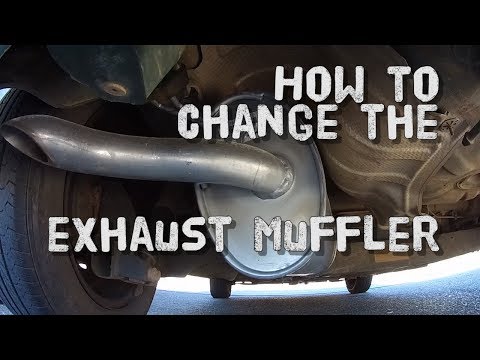
How do you remove the exhaust pipe (silencer) on a Fiat Punto? Follow this guide: lift the car with a column lift (jack), unscrew the fastening bolts…
Fiat Punto
(2005-2018 /
MK 3, Punto EVO, 199, Grandepunto )
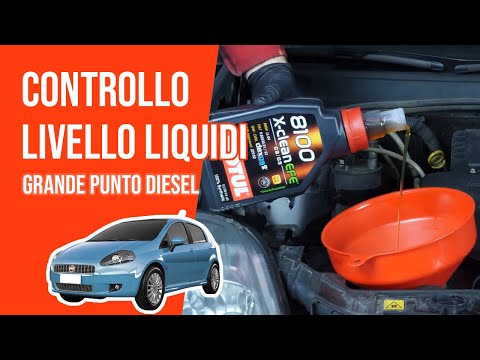
In this brief guide, you will learn how to remove the coolant reservoir cap and top up on a Fiat Grande Punto 1.3 MultiJet in simple and quick steps.…
Other guides you may be interested in
|
How to reset the tyre pressure warning light on the Suzuki Jimny?
To reset the tyre pressure warning light on the Suzuki Jimny, first inflate the tyres to the pressure value indicated on the corresponding sticker: this is located at the bottom of the driver's door pillar. Once the tyres are inflated, insert the ignition key and turn on the instrument panel: select the screen that indicates the tyre pressures, checking that the values change. After a few seconds, the tyre pressure warning light will automatically turn off. by ScegliAuto More videos
|
|
For advertising on this site Write to info@scegliauto.com
ScegliAuto is not responsible for any inaccuracy of the data in the lists. To report any inaccuracy or your business (if you own the business in question), please write to info@scegliauto.com
Number of seconds to generate the page: 0.365
(c) ScegliAuto 2026 - info@scegliauto.com - Privacy policy VAT number: IT01247470535 |
