
|
Do it yourself
| |||
| ||||


How do you change the brake pads on a Fiat Bravo 2 (198)?
Model: Fiat Bravo
Bravo 2
- Years 2007-2014
In this video tutorial we see how to change the rear brake pads of a Fiat Bravo 2. First we have to lift the car and remove the wheel, after which we are going to unscrew the two screws that hold the brake caliper in position located at the two ends and we are going to remove it. Now we can remove the worn pads, clean the dusty residues of the old pads and finally install the new ones. To reassemble the brake caliper, we must first bring back the piston placed in the center of the caliper with the help of a vice, once done we can put the caliper back in its place and we will have finished the job.
Posted on 29 June 2022 by ScegliAuto
Video tutorial
Related tutorials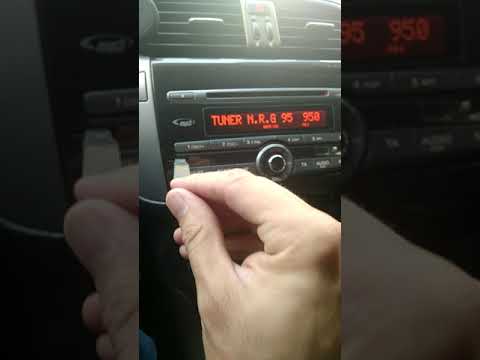
Fiat Bravo
(2007-2014 /
Bravo 2)
In this short and simple guide we will see how to disassemble the original car radio on the Fiat Bravo 198, second generation, by following the instr…

Fiat Bravo
(2007-2014 /
Bravo 2)
In this video we can see how to replace the diesel filter on the Fiat Bravo 198, a very simple operation. First of all we disconnect the battery in o…
Fiat Bravo
(2007-2014 /
Bravo 2)
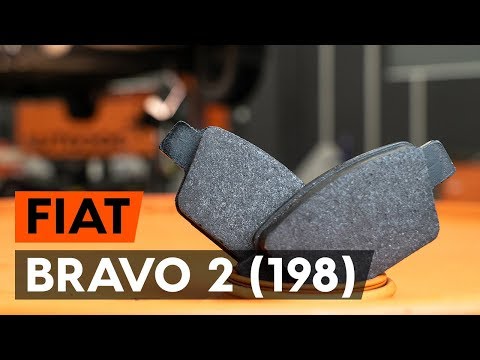
In this tutorial, we can see how to replace the rear brake pads in the Fiat Bravo. First of all, we open the hood and unscrew the cap of the brake fl…
Other guides you may be interested in
|
How to Remove the Original Radio from a Renault Trafic
How to remove the original radio from a Renault Trafic? Follow this video closely to perform the removal: use the original or aftermarket metal keys to detach the stereo, insert the keys into the holes on the plastic cover of the stereo, pull the stereo towards you as shown in the video, and extract the radio while being careful of the various wiring (disconnect the power connectors and the antenna cable). Finally, reinstall the original radio or a generic brand with the appropriate adapter for the input and connector. by ScegliAuto More videos
|
|
For advertising on this site Write to info@scegliauto.com
ScegliAuto is not responsible for any inaccuracy of the data in the lists. To report any inaccuracy or your business (if you own the business in question), please write to info@scegliauto.com
Number of seconds to generate the page: 0.080
(c) ScegliAuto 2026 - info@scegliauto.com - Privacy policy VAT number: IT01247470535 |
