
|
Do it yourself
| |||
| ||||


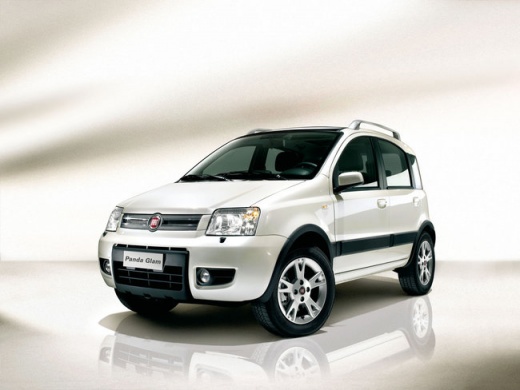
How to Replace the CV Boot on a Fiat Panda?
Model: Fiat Panda
169, MK 2
- Years 2003-2012
To replace the CV boot on a Fiat Panda, first loosen the bolts securing the wheel corresponding to the boot that needs replacing. Once the wheel has been removed, you can access the components located at its rear and unscrew the bolts securing the disc. After these bolts have been loosened, you can remove the disc and move the wheel hub: this will allow access to the end of the CV shaft and slide off the boot, replacing it with a new part.
Updated on 10 June 2026 by ScegliAuto
Video tutorial
Related tutorials
Fiat Panda
(2003-2012 /
169, MK 2)
Discover in this video the instructions for replacing the drive shaft on a Fiat Panda 169 4x4. First, lift the vehicle and position the jack under th…

Fiat Panda
(1980-2003 /
141, MK 1)
If you hear a noise coming from the wheel, especially when steering, it is likely that the CV joint of the driveshaft is operating without grease due…
Fiat Panda
(2003-2012 /
169, MK 2)
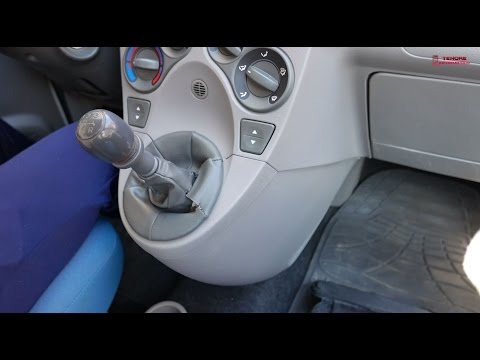
Before starting, sit in the driver's seat of your Fiat Panda. Begin by unclipping and removing the gear knob by pulling it firmly upwards, then remov…
Other guides you may be interested in
|
How to Check the Oil Level on a Jeep Renegade?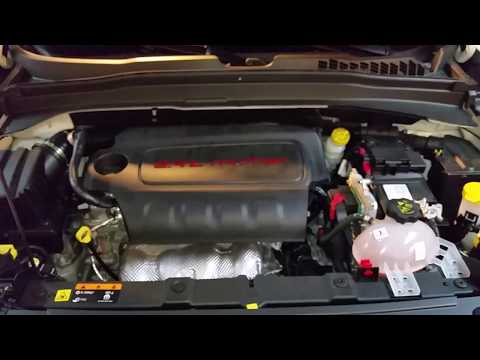
To check the oil level on a Jeep Renegade, you need to open the bonnet to access the components inside the engine bay: on the lower left side of the engine block, you will find the dipstick for checking the level. This should be pulled out and thoroughly cleaned with a cloth: once cleaned, reinsert it back into its tube and pull it out immediately after. This way, you can check that the oil mark is between the minimum and maximum levels; finally, you can place the dipstick back in its tube. by ScegliAuto More videos
|
|
For advertising on this site Write to info@scegliauto.com
ScegliAuto is not responsible for any inaccuracy of the data in the lists. To report any inaccuracy or your business (if you own the business in question), please write to info@scegliauto.com
Number of seconds to generate the page: 0.509
(c) ScegliAuto 2026 - info@scegliauto.com - Privacy policy VAT number: IT01247470535 |
