
|
Do it yourself
| |||
| ||||


Ford Ford Various - Car stereoCar Stereo Ford Ford Various ( / ) Ford Ford Various
 How to Reset the Sync 1 on Ford Car Radio? To completely reset the Sync 1 system installed on Ford car radios, first turn on the instrument panel by inserting the ignition key into the corresponding …Read all… Posted on 27 April 2026 by ScegliAuto  Ford Ford Various
 How to Remove the CD Radio from a Ford Vehicle Here’s how to remove the Ford CD6000 radio from a Ford vehicle (Fiesta, Focus, or similar from the 2000/2010 years). You will need Ford extraction keys, …Read all… Posted on 4 April 2026 by ScegliAuto  Ford Ford Various
 How to view the serial number on a Ford CD6000 radio In this video we see a really simple method to view the code of the Ford CD6000 radio, without the need to disassemble it to look on the internal wall, in …Read all… Posted on 22 July 2025 by ScegliAuto  Ford Ford Various
 How do you reset the Ford car radio? In order to reset the Ford car radio, you need to connect a diagnostic tool to the vehicle's OBD port: this port can be found on the dashboard just below the …Read all… Posted on 3 March 2025 by ScegliAuto  Ford Ford Various
 How do you reset the radio Sync with MyFord Touch? The procedure to reset the Sync of the car radio with MyFord Touch can be done by selecting the settings icon located at the bottom right of the radio screen: …Read all… Posted on 20 February 2025 by ScegliAuto  Ford Ford Various
 How to unlock the Ford 6000CD RDS EON car radio? In this tutorial we can see how to unlock the Ford 6000CD RDS EON car radio, an extremely simple and quick operation, to be carried out for example after …Read all… Posted on 22 September 2024 by ScegliAuto 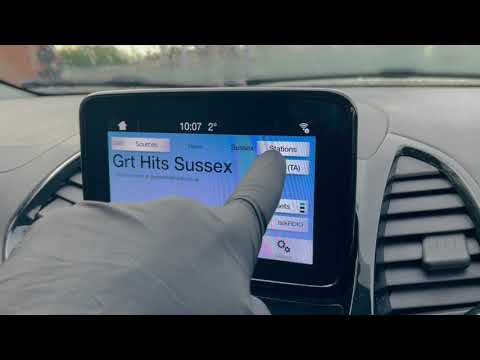 Ford Ford Various
 How to Retune the DAB Radio via Ford SYNC 3 In this video, you will learn how to retune a Ford DAB radio using the SYNC 3 system: the first step is to ensure that the source is correctly set to DAB. …Read all… Posted on 13 September 2026 by ScegliAuto 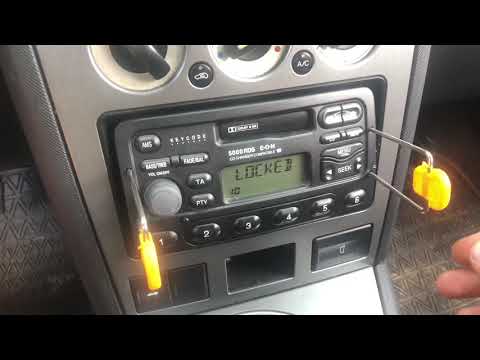 Ford Ford Various
 How to Unlock the Ford 5000 RDS EON Radio? In this tutorial, you can see how to reset the Ford 5000 RDS EON radio, fitted in many older models from the American manufacturer. To do this, you will need …Read all… Posted on 29 August 2026 by ScegliAuto 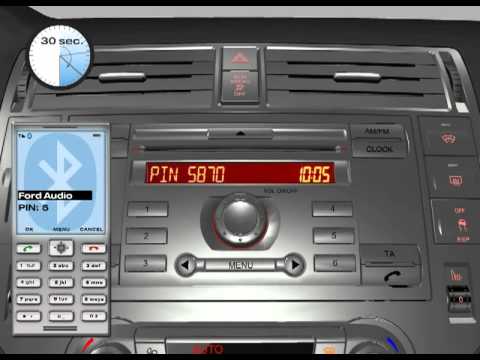 Ford Ford Various
 How to Connect a Mobile Phone to a Ford CD6000 Radio To connect a mobile phone to a Ford CD6000 radio, first activate the Bluetooth function from the menu by pressing the central button until the screen displays …Read all… Posted on 25 August 2026 by ScegliAuto  Ford Ford Various
 How to Adjust a Sync 3 Radio in a Ford Vehicle In this video, you will learn how to adjust a Sync 3 radio in a Ford vehicle: the operation is the same across all models in the range. Turn on the instrument …Read all… Posted on 22 August 2026 by ScegliAuto 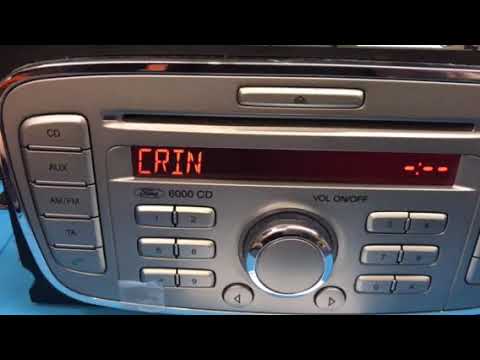 Ford Ford Various
 How to Unlock the Ford 6000 CD Radio? To unlock the Ford 6000 CD radio, press and hold buttons 1 and 5 on the device simultaneously: this will display the radio's serial number, which is also …Read all… Posted on 21 July 2026 by ScegliAuto 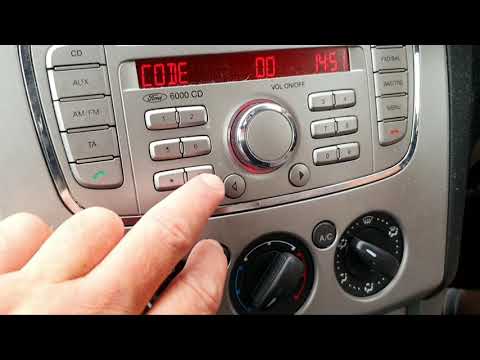 Ford Ford Various
 How to Unlock the CD 6000 Radio in Ford Vehicles In today's video, we will see how to unlock the CD 6000 radio, fitted to Ford vehicles from the mid-2000s. First, turn on the ignition of your car. Press and …Read all… Posted on 11 September 2026 by ScegliAuto 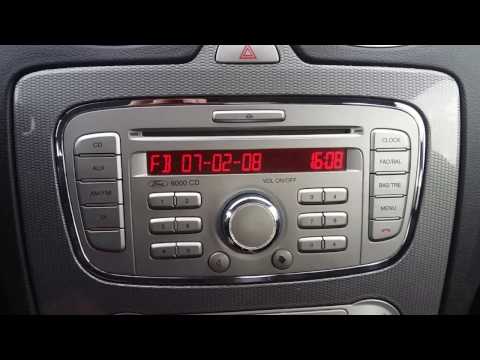 Ford Ford Various
 How to Access the Secret Menu of the Sony 6000CD Radio in a Ford? To access the secret menu of a Sony 6000CD radio in a Ford car, first turn on the instrument cluster and then the radio. To access the secret menu, also known …Read all… Posted on 29 August 2026 by ScegliAuto  Ford Ford Various
 How to Remove the Stock Radio from the Ford Bronco The steps necessary to safely and quickly remove the stock radio from your Ford Bronco are quite simple and take only a few seconds to complete. You will need …Read all… Posted on 24 August 2026 by ScegliAuto Airbag (6) Car stereo (14) Battery (3) Transmission (8) Body (4) Control unit (1) Key (36) Timing belt (6) Onboard computer (7) Checks and maintenance (13) MAF sensor (2) Headlight (1) Air filter (3) Cabin air filter (2) Clutch (1) Light bulb (1) Headlight bulb (1) Engine oil (1) Clock (2) Door trim panel (2) Tires (1) Car door (1) Power window switch (1) Instrument cluster (5) Wheel (1) Fuse box (15) Seat (2) Crankshaft position sensor (1) Side mirror (2) Rearview mirror (3) AdBlue warning light (2) Warning light – error code (49) (3) Tire pressure warning light (3) Service warning light (7) Manufacturer emblem (2) Fuel cap (1) Drivetrain (2) EGR valve (1) Steering wheel (2) |
How to Connect the Cables to the Battery of the Citroen Xsara Picasso?
In this tutorial, you will see how to connect the cables to the battery of the Citroen Xsara Picasso, useful if you need to recharge it or perform an emergency start. First, ensure the key is not inserted, then open the bonnet and move to the front of the left headlamp. Next, locate the bolt just behind the filter box and connect the positive terminal clamp to it. Now you can connect the negative terminal to any point on the chassis, such as the indicated point. Once the operation is complete, ensure you disconnect the negative first and then the positive. by ScegliAuto More videos
|
|
For advertising on this site Write to info@scegliauto.com
ScegliAuto is not responsible for any inaccuracy of the data in the lists. To report any inaccuracy or your business (if you own the business in question), please write to info@scegliauto.com
Number of seconds to generate the page: 0.010
(c) ScegliAuto 2026 - info@scegliauto.com - Privacy policy VAT number: IT01247470535 |
