
|
Do it yourself
| |||
| ||||


Ford Ford Various - Warning light – error codeWarning Light – Error Code Ford Ford Various ( / ) Ford Ford Various What to Do If You Receive the Message: "Hill Start Assist Not Available" on a Ford Vehicle The message "hill start assist not available" on a Ford vehicle means that the hill start assist system has temporarily deactivated due to a detected fault. It …Read all… Posted on 15 September 2026 by ScegliAuto  Ford Ford Various How to reset the SYNC 4 multimedia system in a Ford? In your Ford, the SYNC 4 multimedia system may occasionally freeze or show various signs of malfunction. In such cases, you can try to resolve the issue by …Read all… Posted on 19 October 2026 by ScegliAuto  Ford Ford Various How to reset the window regulator on Ford vehicles? To reset the window regulator on Ford vehicles, enter the cabin and fully close the window you wish to reset. Once the window is raised, lift the button …Read all… Posted on 15 October 2026 by ScegliAuto  Ford Ford Various How to Reset the Ford Sync System In this video, you will see a problem with the Ford Sync system: the radio turns on but does not produce any sound. What you need to do is update the software: …Read all… Posted on 4 October 2026 by ScegliAuto  Ford Ford Various How to Enter the Radio Code on a Ford 6000 Today, we will explain how to unlock the radio on a 2009 Ford 6000. To perform this operation, you need to know the unlock code for the radio. If you do not …Read all… Posted on 3 October 2026 by ScegliAuto  Ford Ford Various How to Reset the Sync on a Ford Car Radio? To reset the Sync on a Ford car radio, select the settings icon located at the bottom right of the radio display: a menu will appear where you need to select …Read all… Posted on 3 October 2026 by ScegliAuto 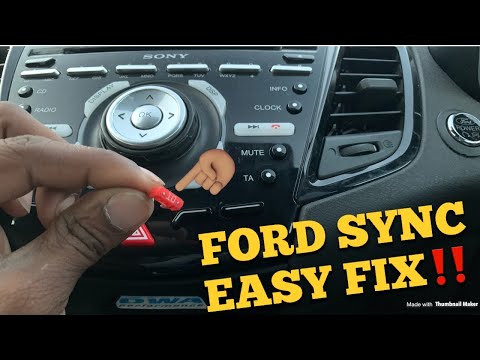 Ford Ford Various How to Reset the Sync on a Ford Car Radio? To reset the Sync on a Ford car radio, press the settings icon located at the bottom right of the radio display. A menu will appear where you need to select …Read all… Posted on 28 September 2026 by ScegliAuto  Ford Ford Various How to Reset the Transmission on Ford Vehicles To reset the transmission on Ford vehicles, first turn on the instrument cluster and put the gearbox in neutral. Then, switch off the car after about twenty …Read all… Posted on 28 September 2026 by ScegliAuto 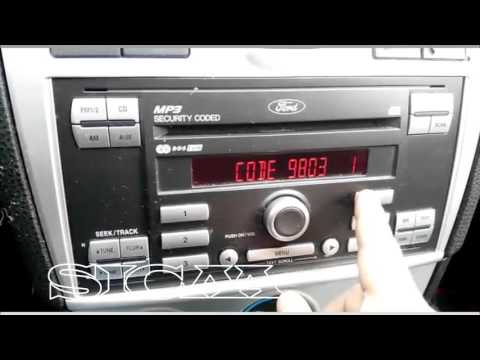 Ford Ford Various How to enter the radio unlock code in the Ford Ikon? In this tutorial, you can see how to enter the radio unlock code in the Ford Ikon, a very simple and quick operation, to be done after disconnecting the …Read all… Posted on 27 September 2026 by ScegliAuto 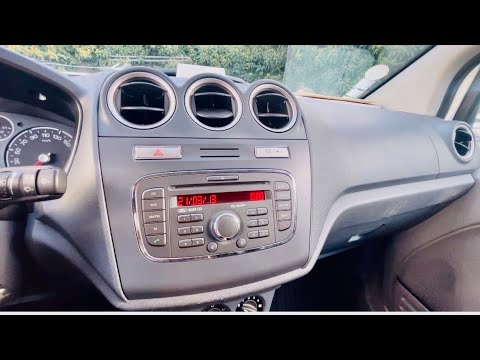 Ford Ford Various How to Retrieve and Enter the Unlock Code for a Ford Car Radio? This tutorial shows how to retrieve and enter the unlock code for a Ford car radio, a very simple and quick operation, for example, after disconnecting the …Read all… Posted on 22 September 2026 by ScegliAuto 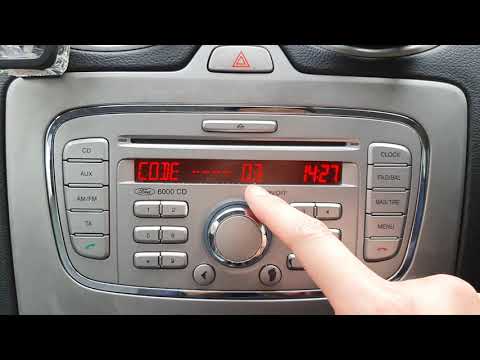 Ford Ford Various How to Enter the Unlock Code in a Ford 6000 CD Radio? In this tutorial, see how to enter the unlock code in a Ford 6000 CD radio, a very simple and quick operation that must be done after disconnecting the …Read all… Posted on 22 September 2026 by ScegliAuto  Ford Ford Various How to Reset the Radio in a Ford In this tutorial, you will see how to reset the radio in a Ford, a very simple and quick operation, for example, as a troubleshooting attempt or after unwanted …Read all… Posted on 17 September 2026 by ScegliAuto 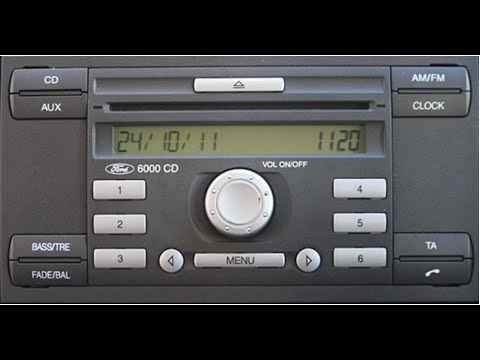 Ford Ford Various How to Obtain the Code Number for a Ford CD6000 Radio In this video, you will learn how to access the serial number of the main unit of the Ford CD6000 radio. The YouTuber advises turning on the dashboard and …Read all… Posted on 10 September 2026 by ScegliAuto  Ford Ford Various How to Reset the Radio in a Ford? In your Ford, the radio may freeze or show various signs of malfunction. In these cases, you can try to resolve the issue by resetting the system. First, enter …Read all… Posted on 9 September 2026 by ScegliAuto  Ford Ford Various How to Reset the Sync on the Ford Radio? To reset the Sync on the Ford radio, turn on the instrument cluster by inserting the ignition key into the corresponding switch. Once the instrument cluster is …Read all… Posted on 6 September 2026 by ScegliAuto  Ford Ford Various How to Reset the SYNC 3 Multimedia System in a Ford? In our Ford, the SYNC 3 multimedia system may malfunction, such as continuous freezes. In these cases, you can try to resolve the issue by resetting the …Read all… Posted on 6 September 2026 by ScegliAuto  Ford Ford Various How to reset the Sync 2 multimedia system in a Ford? In your Ford, the Sync 2 multimedia system may freeze or show various signs of malfunction. In these cases, you can try to resolve the issue by resetting the …Read all… Posted on 4 September 2026 by ScegliAuto  Ford Ford Various How to reset the battery management system on Ford vehicles In this video, see how to reset the Battery Management System (BMS) on a Ford C-Max, but the system is applicable to all Ford vehicles. Each time you change …Read all… Posted on 1 September 2026 by ScegliAuto  Ford Ford Various How to enter the unlock code in the Ford 6000 CD radio? In this tutorial, you will learn how to enter the unlock code in the Ford 6000 CD radio, a very simple and quick operation to perform after replacing the …Read all… Posted on 26 August 2026 by ScegliAuto 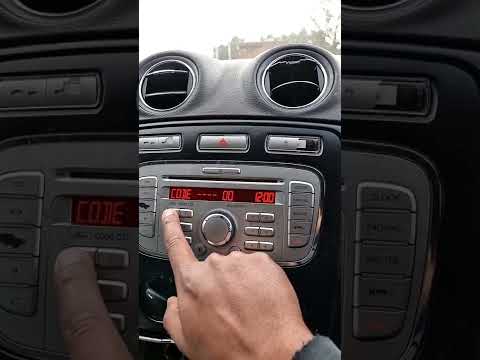 Ford Ford Various How to Enter the Unlock Code in a Ford 6000 CD Radio? In this tutorial, see how to enter the unlock code in a Ford 6000 CD radio, a very simple and quick operation that must be done after disconnecting or …Read all… Posted on 25 August 2026 by ScegliAuto  Ford Ford Various How to Reset the SYNC 3 Multimedia System in a Ford? In your Ford, the SYNC 3 multimedia system may freeze or show signs of malfunction. In such cases, you can try to resolve the issue by following the simple …Read all… Posted on 24 August 2026 by ScegliAuto 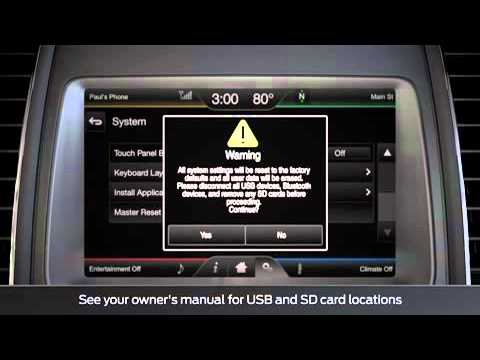 Ford Ford Various How to reset the Sync of the Ford car radio? To reset the Sync of the Ford car radio, first turn on the instrument cluster and the car radio. Then, press the gear icon and select "Settings". Now, select …Read all… Posted on 19 August 2026 by ScegliAuto  Ford Ford Various How to Reset the Sync 3 in a Ford Radio? To reset the Sync 3 in a Ford radio, turn on the instrument panel and the radio by pressing the PHONE button. After pressing this, scroll through the menu that …Read all… Posted on 18 August 2026 by ScegliAuto 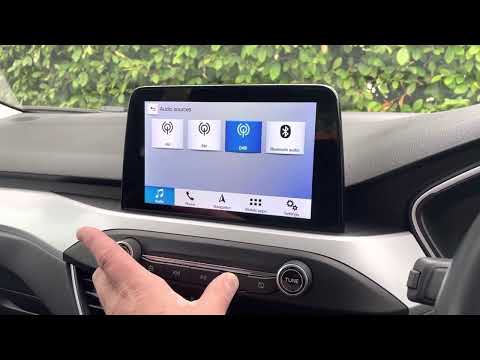 Ford Ford Various How to Reset the SYNC System in a Ford? In your Ford, the SYNC multimedia system may suddenly stop working, freeze, or encounter various issues. In this case, you can try to resolve the problem by …Read all… Posted on 18 August 2026 by ScegliAuto  Ford Ford Various How to Enter the Radio Unlock Code in a Ford? In this tutorial, you will learn how to enter the radio unlock code in an older generation Ford. This operation is very simple and quick, typically required …Read all… Posted on 15 August 2026 by ScegliAuto 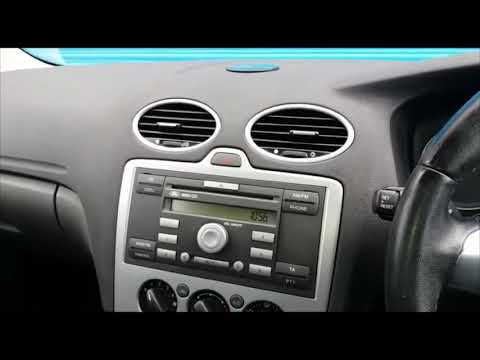 Ford Ford Various How to retrieve and enter the unlock code in a Ford car radio? In this tutorial, you can see how to retrieve and enter the unlock code in a Ford car radio, a necessary operation after replacing the battery. The code can be …Read all… Posted on 14 August 2026 by ScegliAuto  Ford Ford Various How to Reset the Sync on a Ford If you are experiencing some malfunction issues with your vehicle's onboard computer, the instructions below will guide you through the necessary steps to …Read all… Posted on 4 November 2026 by ScegliAuto  Ford Ford Various How to Reset the START&STOP System on a Ford Resetting the START&STOP system on Ford models is more or less the same for all new generation models. The reset process is very simple; just hold down the …Read all… Posted on 30 October 2026 by ScegliAuto  Ford Ford Various How to Reset the SYNC on a Ford If you are experiencing issues and malfunctions with your multimedia system, the following description provides all the information and the procedure to …Read all… Posted on 25 October 2026 by ScegliAuto  Ford Ford Various How to Reset Sync 3 on a Ford If you are experiencing malfunction issues with the multimedia system in your vehicle, the following description provides all the necessary information and …Read all… Posted on 25 October 2026 by ScegliAuto  Ford Ford Various How to reset the Ford radio Sync 4? To reset the Ford radio Sync 4, turn on the instrument cluster by rotating the key in the ignition switch. Once the instrument cluster is on, press and hold …Read all… Posted on 22 October 2026 by ScegliAuto  Ford Ford Various How to Reset a Stuck Sync 3 on a Ford If you are experiencing some malfunctions with the Sync system on your Ford, you can perform a master reset by following the instructions provided in this …Read all… Posted on 27 September 2026 by ScegliAuto  Ford Ford Various How to Reset the Multimedia System Screen on Ford If you are experiencing malfunctions with the multimedia system in your vehicle, such as the screen remaining completely black, follow the instructions in this …Read all… Posted on 27 September 2026 by ScegliAuto  Ford Ford Various How to reset the window lifter on a Ford If you are experiencing malfunctions with the electric windows of your vehicle, perhaps after replacing the battery or if the system does not recognise the …Read all… Posted on 26 September 2026 by ScegliAuto  Ford Ford Various A Simple Method to Reset a Frozen Ford Sync Screen Unfortunately, in today's infotainment systems, it can happen that the screen becomes stuck on a display and cannot be exited without turning off the vehicle. …Read all… Posted on 25 September 2026 by ScegliAuto  Ford Ford Various How to Retrieve and Enter the Unlock Code for the Ford 4500 RDS Radio? In this tutorial, you will see how to retrieve and enter the unlock code for the Ford 4500 RDS radio, a necessary operation after replacing the battery, for …Read all… Posted on 24 September 2026 by ScegliAuto  Ford Ford Various How to Enter the Unlock Code in the Ford 4500 Radio? In this tutorial, we will see how to enter the unlock code in the Ford 4500 radio, a device found in many Ford models. The code can be found in the documents …Read all… Posted on 23 September 2026 by ScegliAuto  Ford Ford Various How to Retrieve the Unlock Code for the Ford CD6000 Radio? In this tutorial, see how to retrieve the unlock code for the Ford CD6000 radio, which you need to enter after disconnecting the battery, for example. It can …Read all… Posted on 23 September 2026 by ScegliAuto  Ford Ford Various How to Enter the Unlock Code for the Car Radio in a Ford? This tutorial shows how to enter the unlock code for the car radio in a Ford, a very simple and quick task. The code can be found in the documents provided at …Read all… Posted on 20 September 2026 by ScegliAuto  Ford Ford Various How to Reset the Sync Communication System on a Ford Learn how to reset the Sync 3 or 2.5 system on a Ford. Operate from the Touch Screen. Select the "settings" option from the menu bar at the bottom of the …Read all… Posted on 18 September 2026 by ScegliAuto 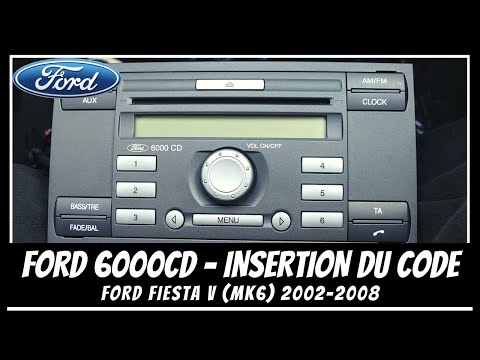 Ford Ford Various How to Enter the Unlock Code in the Ford 6000 CD Radio? In this tutorial, you will learn how to enter the unlock code in the Ford 6000 CD radio, a device fitted in many models from the American manufacturer. The …Read all… Posted on 16 September 2026 by ScegliAuto  Ford Ford Various How to reset the Sync 3 multimedia system in the Ford Maverick pickup? If the Sync 3 multimedia system in your Ford Maverick pickup shows signs of malfunction, or if you have activated unwanted settings, you can try to resolve the …Read all… Posted on 9 September 2026 by ScegliAuto 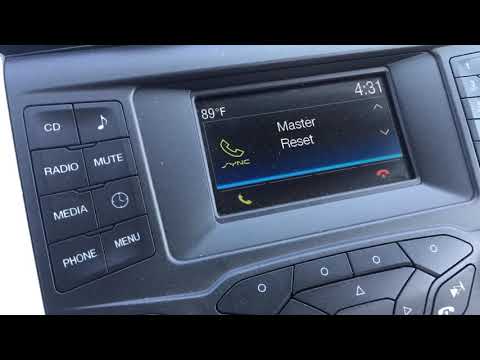 Ford Ford Various How to Reset the Sync 3 on a Ford Car Radio? To reset the Sync 3 on a Ford car radio, you need to turn on the instrument panel and consequently the radio, then press the PHONE button. After this has been …Read all… Posted on 7 September 2026 by ScegliAuto  Ford Ford Various How to Reset the Battery Warning Light on Ford Cars? On Ford vehicles, there is a manual procedure to reset the battery warning light that illuminates on the dashboard. First, switch on the ignition. Then, flash …Read all… Posted on 31 August 2026 by ScegliAuto  Ford Ford Various How to Reset the Sync on a Ford Car Radio To reset the Sync on a Ford car radio, insert the key into the ignition switch and turn it to power on the instrument cluster. This will allow you to navigate …Read all… Posted on 28 August 2026 by ScegliAuto  Ford Ford Various How to Reset the Battery Warning Light on a Ford Fiesta In this video tutorial, you can see how to reset the battery warning light on a Ford Fiesta 1.0 Ecoboost by following a few simple steps that guide you through …Read all… Posted on 22 August 2026 by ScegliAuto  Ford Ford Various How to Reset the Sync System on a Ford If you are experiencing issues with the Sync multimedia system in your Ford vehicle, you can perform a system reset. You can find instructions in this video …Read all… Posted on 22 July 2026 by ScegliAuto  Ford Ford Various How to Factory Reset the Ford Sync System Performing a factory reset on the Ford Sync system can quickly and easily resolve any software errors. Unfortunately, this procedure will erase all custom …Read all… Posted on 13 July 2026 by ScegliAuto  Ford Ford Various How to Reset the Automatic Transmission on a Ford When there is a malfunction with the automatic transmission on a Ford vehicle, you can follow this simple procedure to reset it, which may resolve the issue. …Read all… Posted on 13 July 2026 by ScegliAuto Airbag (6) Car stereo (15) Battery (3) Transmission (8) Body (4) Control unit (1) Key (36) Timing belt (6) Onboard computer (7) Checks and maintenance (13) MAF sensor (2) Headlight (1) Air filter (3) Cabin air filter (2) Clutch (1) Light bulb (1) Headlight bulb (1) Engine oil (1) Clock (2) Door trim panel (2) Tires (1) Car door (1) Power window switch (1) Instrument cluster (5) Wheel (1) Fuse box (15) Seat (2) Crankshaft position sensor (1) Side mirror (2) Rearview mirror (3) AdBlue warning light (2) Warning light – error code (49) Tire pressure warning light (6) Service warning light (7) Manufacturer emblem (2) Fuel cap (1) Drivetrain (2) EGR valve (1) Steering wheel (2) |
How to Open the Bonnet of a Toyota C-HR
To open the bonnet of a Toyota C-HR, get inside the vehicle and lift the lever with the bonnet symbol located under the steering wheel. After lifting the lever, you will notice that the bonnet rises a few centimetres. Position yourself in front of the bonnet, insert your hand into the gap, and move the small internal lever from right to left, then lift the bonnet. You can keep the bonnet open during maintenance by positioning it on the support rod. To close the bonnet, remove the support rod and let it drop back down. by ScegliAuto More videos
|
|
For advertising on this site Write to info@scegliauto.com
ScegliAuto is not responsible for any inaccuracy of the data in the lists. To report any inaccuracy or your business (if you own the business in question), please write to info@scegliauto.com
Number of seconds to generate the page: 0.012
(c) ScegliAuto 2026 - info@scegliauto.com - Privacy policy VAT number: IT01247470535 |
