
|
Do it yourself
| |||
| ||||


Disassembly of Remote Key for Battery Replacement
Model: Ford Mondeo / Fusion
MK 3
- Years 2007-2014
Using a small flathead screwdriver (a precision screwdriver for watches is recommended), pry at multiple points along the gap between the two halves of the key until it opens: the half containing the buttons houses the electronic circuit of the key, while the other half contains the battery.
Using the same screwdriver, lift and remove the exhausted battery and replace it with a new one, ensuring the polarity is correct (remove any signs of oxidation present on the metal tab of the battery compartment). At this point, align the two halves and press them together along the edges until they snap shut.
Updated on 3 February 2026 by ScegliAuto
Video tutorial
Related tutorials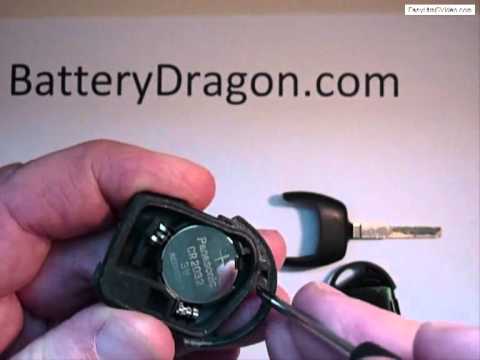
Ford Mondeo / Fusion
(2000-2007 /
MK 2)
This tutorial explains how to replace the ignition key battery of the Ford Mondeo. You will need a small screwdriver and a new 3-volt lithium battery…
Ford Mondeo / Fusion
(1993-2000 /
MK 1)
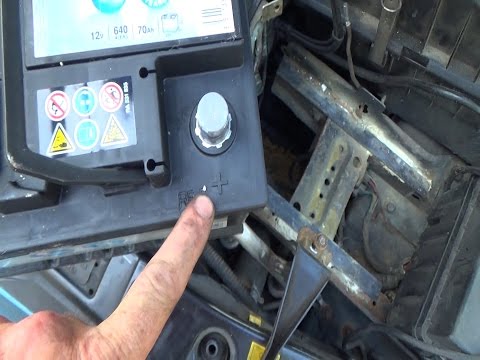
If, after charging, there are no positive results, it means the battery needs to be replaced. This operation is quite simple if you follow the correc…
Ford Mondeo / Fusion
(2000-2007 /
MK 2)
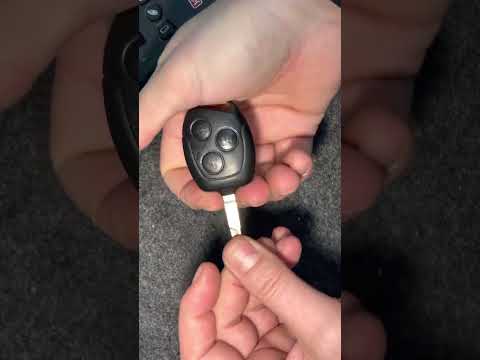
One of the simplest tasks you can do yourself is replacing the button battery inside your Ford Mondeo key (2000-2007 model). Here are the steps to fo…
Other guides you may be interested in
|
How to Replace the Remote Battery for the Volvo XC40?
In this tutorial, you will see how to replace the battery in the remote for the Volvo XC40, a very simple and quick operation. For this, you will need a replacement battery of type CR2032 and possibly a small flathead screwdriver. First, remove the front cover by pressing the button on the metal ring, then locate the second button, press it as well, and remove the opposite cover. Next, open the circular cap, take out the old battery, and insert the new one in the opposite direction. Finally, reassemble everything. by ScegliAuto More videos
|
|
For advertising on this site Write to info@scegliauto.com
ScegliAuto is not responsible for any inaccuracy of the data in the lists. To report any inaccuracy or your business (if you own the business in question), please write to info@scegliauto.com
Number of seconds to generate the page: 0.528
(c) ScegliAuto 2026 - info@scegliauto.com - Privacy policy VAT number: IT01247470535 |
