
|
Do it yourself
| |||
| ||||


Replacing Brake Pads and Discs
Model: Ford Focus
MK 1
- Years 1998-2004
Remove the wheel and gently detach the caliper by removing the two retaining bolts with a ratchet spanner. Move the brake fluid line that feeds the piston. Remove the worn pads and replace them with two new ones of the same type, cleaning any dirt with a brush before installation. Refit the bracket, cleaning and lubricating the fixing bolts, then tighten them with a spanner. Refit the caliper. The pad with the electrical contacts should be mounted facing inwards, paying attention to the direction of travel. Realign the piston by pushing it inwards and check the adherence of the pads to the disc.
Updated on 5 February 2026 by ScegliAuto
This video is currently unavailable
Related tutorials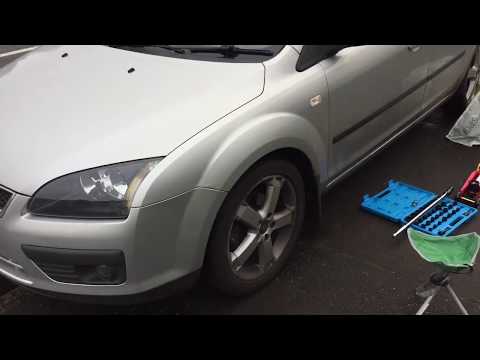
Ford Focus
(2004-2011 /
MK 2, Focus 2)
Change the tablets of the Foed Focus? Let's disassemble the wheel and the tablets, let's see. We unscrew the locking pin of the brake caliper, remove…
Ford Focus
(2004-2011 /
MK 2, Focus 2)
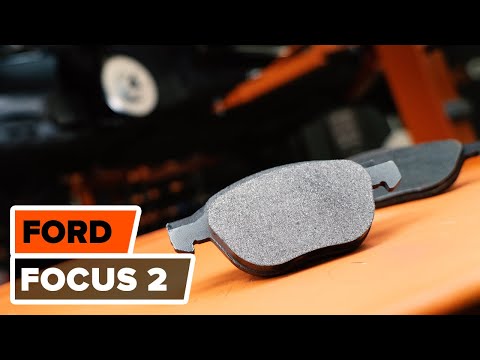
Today, you will learn how to replace the brake pads and discs on your Ford Focus. First, use a hydraulic lift to raise the car, remove the wheel, and…
Ford Focus
(2004-2011 /
MK 2, Focus 2)
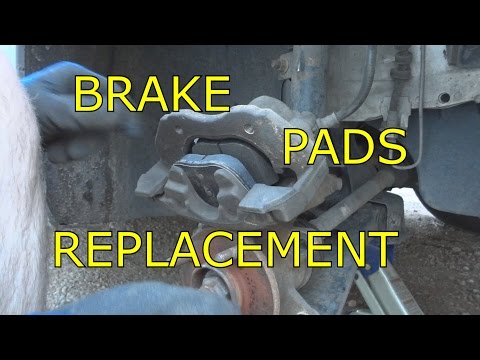
Let's look at replacing the rear brake pads on a Ford Focus. Lift the car on a column lift to the desired height, then remove the wheel. Unscrew the …
Other guides you may be interested in
|
Removing Ignition Cylinder from Audi A3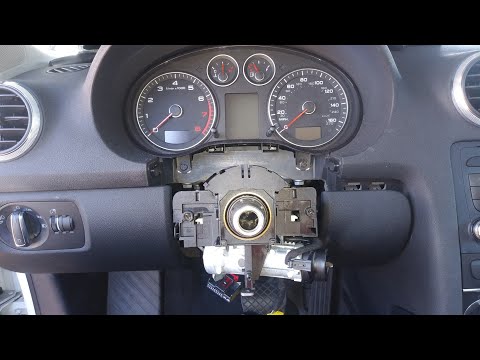
In this video, you will see how to replace the ignition cylinder of the Audi A3. First, remove the side plastic cover where the fuses are located: take out the blue 1 Amp fuse. Next, disconnect the battery terminals. Now, connect the cables that run to the steering and remove the central part by pulling it towards you (the airbag). Disconnect the connector by removing it completely. Remove the two screws to take off the plastic cover of the ignition: disconnect the various control units and use a drill to break the seal of the ignition lock to remove it. by ScegliAuto More videos
|
|
For advertising on this site Write to info@scegliauto.com
ScegliAuto is not responsible for any inaccuracy of the data in the lists. To report any inaccuracy or your business (if you own the business in question), please write to info@scegliauto.com
Number of seconds to generate the page: 0.061
(c) ScegliAuto 2026 - info@scegliauto.com - Privacy policy VAT number: IT01247470535 |
