
|
Do it yourself
| |||
| ||||


How to Reset the Service Light on the Ford Transit?
Model: Ford Transit
MK 8
- Years 2014-2024
To reset the Service light on the Ford Transit, insert the key and turn it to the 'on' position without starting the vehicle. Once the dashboard is powered, a message will appear indicating the need for maintenance: to clear this message, press and hold both the accelerator and brake pedals simultaneously. After a moment, a message will appear on the display confirming the reset of the light. You can then turn off and restart the dashboard to verify.
Updated on 14 May 2026 by ScegliAuto
Video tutorial
Related tutorials
Ford Transit
(2006-2014 /
MK 7)
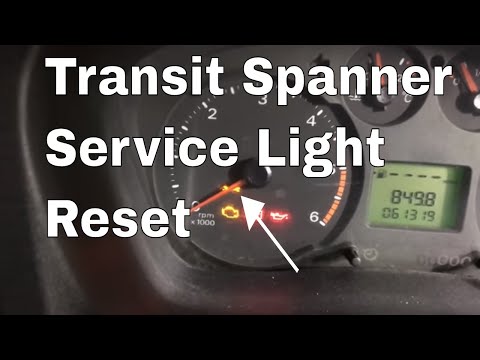
Let’s see how to reset the service light on a Ford Transit without a display menu. This is the classic Ford system using the pedal combination; press…
Ford Transit
(2006-2014 /
MK 7)
To reset the service light on the Ford Transit, press and hold the brake and accelerator pedals while the ignition is off. With the pedals held down,…

Ford Transit
(2000-2006 /
MK 6)
The operation of resetting the Service light that appears on the instrument panel of the Ford Transit involves inserting the ignition key into the co…
Other guides you may be interested in
|
How to Open the Fuel Cap of the Volkswagen Jetta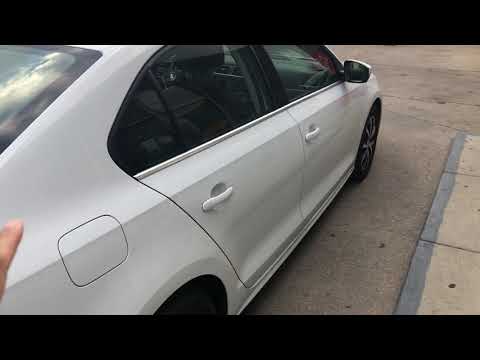
When you need to refuel this vehicle, first open the fuel filler flap. Follow these simple instructions, and you can also watch the video for more details. First, unlock the central locking to open the flaps. Then, press the fuel cap with your hand to unlock it and open it. Underneath, you will find the fuel cap, which you need to unscrew counterclockwise. At this point, you can proceed to refuel. by ScegliAuto More videos
|
|
For advertising on this site Write to info@scegliauto.com
ScegliAuto is not responsible for any inaccuracy of the data in the lists. To report any inaccuracy or your business (if you own the business in question), please write to info@scegliauto.com
Number of seconds to generate the page: 0.191
(c) ScegliAuto 2026 - info@scegliauto.com - Privacy policy VAT number: IT01247470535 |
