
|
Do it yourself
| |||
| ||||


Installing the Additional Chip Tuning Performance Control Unit
Model: Ford Fiesta
MK V, MK 5, Fiesta 5
- Years:
2002, 2003, 2004, 2005, 2006, 2007, 2008
Video tutorial
For this operation, you need to obtain the control unit kit for the vehicle in question. Remove the connector from the installed control unit using a tool, as the control unit is located in a hard-to-reach place. Add an extension cable provided in the kit to the wire. After connecting the new additional control unit to the supplied cable, connect one end of this cable to the control unit connector and the other end to the connector that was attached to the installed control unit. Position the new control unit in a suitable location and secure it with plastic ties.
Updated on 2 February 2026 by ScegliAuto
Related tutorials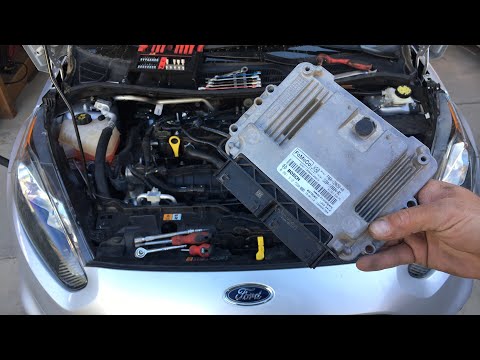
Ford Fiesta
(2008-2017 /
Fiesta 6, MK VI, MK 6)
In this video, see where the ECU is located in a Ford Fiesta and how to proceed if you need to replace it, for example, in case of a fault. As shown,…
Ford Fiesta
(2002-2008 /
MK V, MK 5, Fiesta 5)
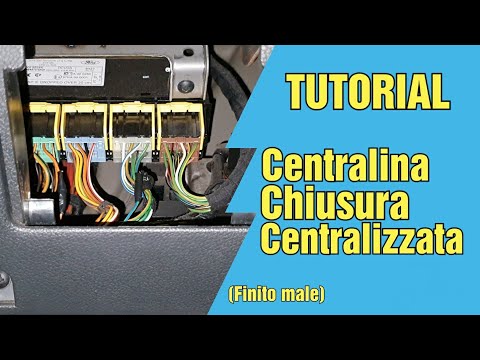
The control unit needs to be removed and is located approximately under the steering wheel, to your left, where the designated compartment is. Before…
Ford Fiesta
(2008-2017 /
Fiesta 6, MK VI, MK 6)
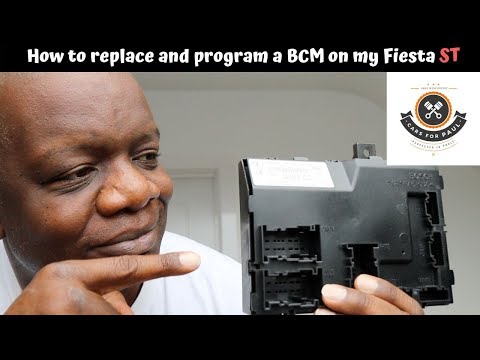
In today's tutorial video, you will learn how to remove the internal ECU from a Ford Fiesta. First, open the bonnet of the car and disconnect the two…
Other guides you may be interested in
|
How to Remove the Rear Seat of a Hyundai Tucson?
To remove the rear seat of a Hyundai Tucson, follow these steps. Start by moving the front seats to their most forward position to gain space. Next, locate the release lever on the underside of the rear seat, near the floor. Press this lever down while pulling the seat upwards to unlock it from the anchor pins. Once unlocked, tilt the seat upwards and forwards to remove it from its position. Repeat this process for both sides of the rear seat. Be careful of any electrical cables or components that may be connected to the seat during removal. Once the rear seat is removed, the disassembly is complete. by ScegliAuto More videos
|
|
For advertising on this site Write to info@scegliauto.com
ScegliAuto is not responsible for any inaccuracy of the data in the lists. To report any inaccuracy or your business (if you own the business in question), please write to info@scegliauto.com
Number of seconds to generate the page: 0.110
(c) ScegliAuto 2026 - info@scegliauto.com - Privacy policy VAT number: IT01247470535 |
