
|
Do it yourself
| |||
| ||||



Front Brake Pads Replacement
Model: Hyundai Santa Fe
MK 2
- Years:
2006, 2007, 2008, 2009, 2010, 2011, 2012
This video is currently unavailable
Loosen the wheel nuts and lift the vehicle, securing it. Unscrew the bolts and remove the wheel. Using a screwdriver and hammer, push out the two clips of the brake shoe spring. Check the brake fluid level and ensure it is not at maximum. Using a plastic tool, remove the brake pads by extracting them from their housing. Install the new pads, paying attention to the rotation direction marked on the body. Remove the second pad and install the new one. Refit the spring and the two clips. Refit the wheel. Recheck the brake fluid level. Reset the position of the pistons by pressing the brake pedal.
Updated on 7 February 2026 by ScegliAuto
Related tutorials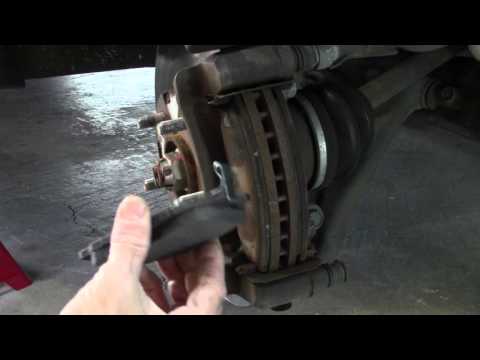
Hyundai Santa Fe
(2000-2006 /
MK 1)
Need to replace the front brake pads? Here’s how to do it on a Hyundai Santa Fe. Lift the vehicle on a column lift to the desired height, remove the …
Hyundai Santa Fe
(2000-2006 /
MK 1)
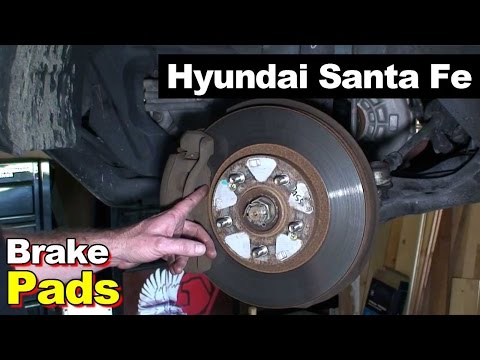
Lifting the vehicle for the replacement of the brake pads will make the operation much simpler and more comfortable to perform; once lifted, remove t…
Hyundai Santa Fe
(2006-2012 /
MK 2)
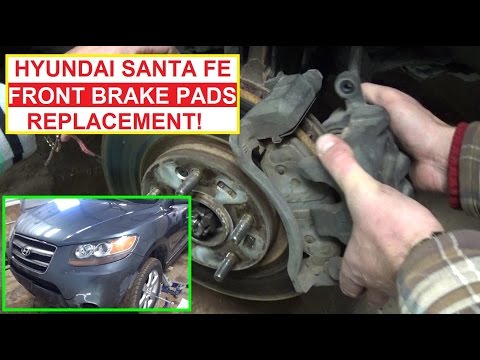
Position the vehicle on appropriate axle stands and remove the front wheel; use a lever between the disc and the pads to retract the pistons and faci…
Other guides you may be interested in
|
How to Reset the Tyre Pressure Warning Light on a Kia Rio?
The tyre pressure warning light displayed on the instrument cluster of the Kia Rio can be reset by inflating the tyres until they reach the recommended pressure value: this value is indicated on the sticker affixed to the driver's door pillar. Once all tyres have been inflated to the recommended pressure, turn on the ignition to check that the light has disappeared: if it is still present, it may be necessary to drive for a few miles, allowing the sensors to work and thus turning off the light. by ScegliAuto More videos
|
|
For advertising on this site Write to info@scegliauto.com
ScegliAuto is not responsible for any inaccuracy of the data in the lists. To report any inaccuracy or your business (if you own the business in question), please write to info@scegliauto.com
Number of seconds to generate the page: 0.067
(c) ScegliAuto 2026 - info@scegliauto.com - Privacy policy VAT number: IT01247470535 |
