
|
Do it yourself
| |||
| ||||



When to Change the Timing Belt on Land Rover Freelander II
Model: Land Rover Freelander
Freelander 2
- Years:
2006, 2007, 2008, 2009, 2010, 2011, 2012, 2013, 2014, 2015, 2016
Video tutorial
Changing the timing belt has always been the most dreaded maintenance task for motorists as it is usually associated with the regular service, increasing the overall maintenance cost; however, with the introduction of new materials and construction technologies, modern engines are equipped with reinforced timing belts that have a lifespan similar to that of the classic chain: in fact, Land Rover recommends replacing this new type of belt at 150,000 miles or within 10 years; however, it is advisable to have it inspected during regular services, considering the possibility of bringing this interval forward.
Updated on 19 February 2026 by ScegliAuto
Related tutorials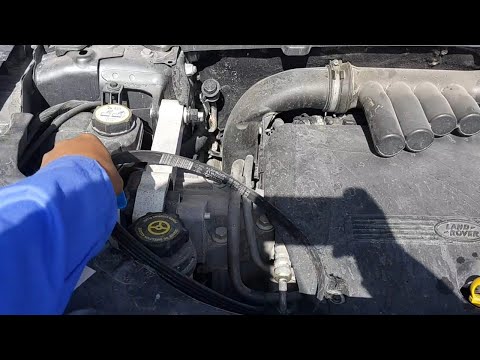
Land Rover Freelander
(2006-2016 /
Freelander 2)
In this video, we will show you when to change the timing belt on a Land Rover Freelander 2. As seen in the video, the timing belt should be replaced…
Land Rover Freelander
(2006-2016 /
Freelander 2)
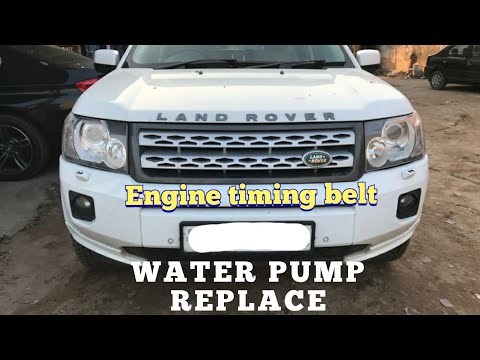
In this video tutorial, you will see the main instructions useful for removing and replacing the timing belt on the Land Rover Freelander. First, ope…
Land Rover Freelander
(1997-2006 /
Freelander 1)
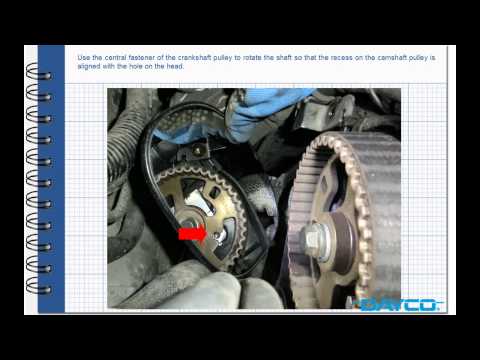
Prepare to replace the timing belt on a Land Rover Freelander: lift the bonnet, remove the engine soundproofing panel and the timing belt cover. Usin…
Other guides you may be interested in
|
How to reset the tyre pressure warning light on the Kia Niro EV?
To reset the tyre pressure warning light on the Kia Niro EV, inflate the tyres until they reach the correct pressure value. This value is indicated on the sticker attached to the driver's door pillar. Once the tyres are inflated, turn on the instrument cluster to check that the warning light has completely disappeared from the display. If it is still present, you may need to drive for a few miles to ensure it disappears completely from the screen. by ScegliAuto More videos
|
|
For advertising on this site Write to info@scegliauto.com
ScegliAuto is not responsible for any inaccuracy of the data in the lists. To report any inaccuracy or your business (if you own the business in question), please write to info@scegliauto.com
Number of seconds to generate the page: 0.036
(c) ScegliAuto 2026 - info@scegliauto.com - Privacy policy VAT number: IT01247470535 |
