
|
Do it yourself
| |||
| ||||


How to reset the tire pressure light on the Lexus RX 450?
Model: Lexus RX
Al20, MK 4
- Years 2016-2022
In this tutorial we can see how to reset the tire pressure light in the Lexus RX 450, an extremely simple and fast operation. Before proceeding, we must have restored the correct pressure of each tire. Let's start by going inside the cabin, then insert the key and turn on the instrument panel. Next, we reach the settings menu using the buttons on the steering wheel, enter the "Vehicle settings" section and move the selector to the "TPMS" option. At this point, hold down the "OK" button, wait for the procedure to finish, and restart the vehicle.
Posted on 15 August 2024 by ScegliAuto
Video tutorial
Related tutorials
Lexus RX
(2016-2022 /
Al20, MK 4)
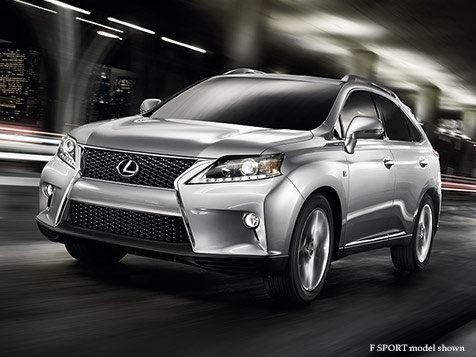
In this tutorial, we can see how to reset the tire pressure warning light in the Lexus RX 350, an extremely simple and quick operation, to be carried…

Lexus RX
(2016-2022 /
Al20, MK 4)
In this tutorial we can see how to reset the tire pressure light in the Lexus RX350, an extremely simple and quick operation, to be done only once th…
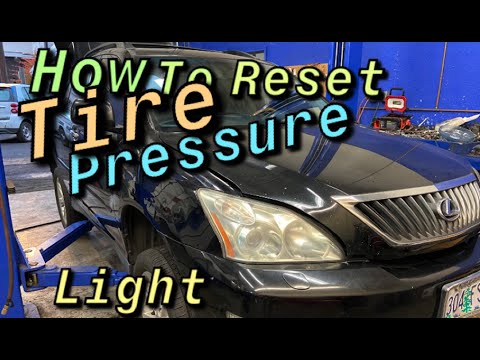
Lexus RX
(2003-2008 /
Xu30, MK 2)
In this tutorial, we can see how to reset the tire warning light in the Lexus RX350, an extremely simple and fast operation. Before doing this, we mu…
Other guides you may be interested in
|
How to Install the Original Car Radio in a Mitsubishi Colt
How to install the original car radio in a Mitsubishi Colt? This video carefully shows how to disassemble and reassemble it. Unscrew the screws on the central dashboard using a screwdriver as shown in the video, then, using a plastic or metal lever, pry off the central trim of the dashboard. Remove the frame from the dashboard, and take out the plastic glove compartment along with the trim. Unscrew the retaining screws around the car radio, remove the stereo from the dashboard (disconnecting the various power cables). Finally, reassemble the car radio in the dashboard as it was disassembled earlier. by ScegliAuto More videos
|
|
For advertising on this site Write to info@scegliauto.com
ScegliAuto is not responsible for any inaccuracy of the data in the lists. To report any inaccuracy or your business (if you own the business in question), please write to info@scegliauto.com
Number of seconds to generate the page: 0.121
(c) ScegliAuto 2026 - info@scegliauto.com - Privacy policy VAT number: IT01247470535 |
