
|
Do it yourself
| |||
| ||||


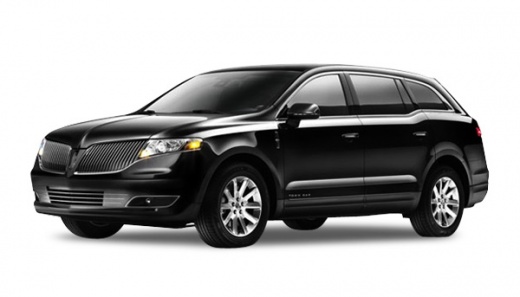
How to Program a New Key for the Lincoln MKT?
Model: Lincoln Mkt
MK 1
- Years:
2010, 2011, 2012, 2013, 2014, 2015, 2016, 2017, 2018, 2019
Video tutorial
This procedure requires that you have two already programmed keys to program a third one. Enter the vehicle, close all the doors, and leave the two programmed keys in the glove compartment on the center console. The unprogrammed key should be inserted into the designated slot below the center compartment, as shown in the video. Press the door unlock button three times, the brake pedal once, then the door lock button three times, and again the brake pedal. Press the Start button, remove the new key, and press the door lock/unlock button. The key is now programmed.
Updated on 31 July 2026 by ScegliAuto
Related tutorials
Lincoln Mkt
(2010-2019 /
MK 1)
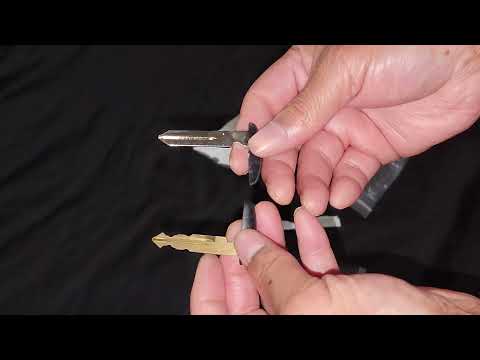
A simple way to program a programmable key on a Lincoln MKT is through a laptop with the conversion program and a connection slot to the OBD port. Ju…
Lincoln Mkt
(2010-2019 /
MK 1)
Replacing the key battery for your vehicle is undoubtedly one of the simplest tasks you can perform on your own without professional help. In this gu…
Lincoln Mkt
(2010-2019 /
MK 1)
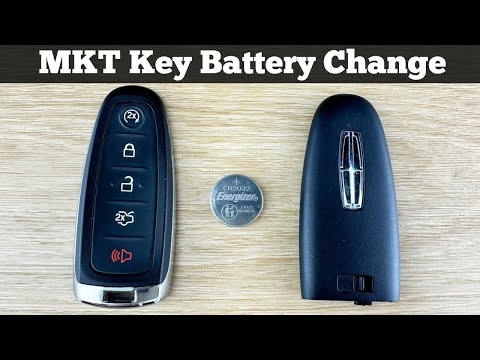
In this guide for Lincoln MKT owners, you will learn the steps necessary to correctly replace the button battery located inside the car's remote key …
Other guides you may be interested in
|
How to reset the tyre pressure warning light on the Kia Niro EV?
To reset the tyre pressure warning light on the Kia Niro EV, inflate the tyres until they reach the correct pressure value. This value is indicated on the sticker attached to the driver's door pillar. Once the tyres are inflated, turn on the instrument cluster to check that the warning light has completely disappeared from the display. If it is still present, you may need to drive for a few miles to ensure it disappears completely from the screen. by ScegliAuto More videos
|
|
For advertising on this site Write to info@scegliauto.com
ScegliAuto is not responsible for any inaccuracy of the data in the lists. To report any inaccuracy or your business (if you own the business in question), please write to info@scegliauto.com
Number of seconds to generate the page: 0.133
(c) ScegliAuto 2026 - info@scegliauto.com - Privacy policy VAT number: IT01247470535 |
