
|
Do it yourself
| |||
| ||||


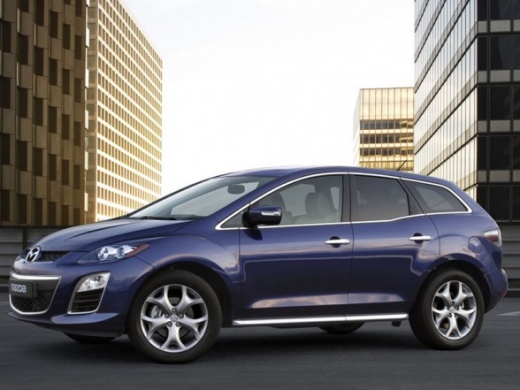
Front Wheel ABS Sensor Replacement
Model: Mazda Cx 7
MK 1
- Years:
2006, 2007, 2008, 2009, 2010, 2011, 2012
Video tutorial
The ABS sensor located behind the wheel hub detects the wheel speed and transmits it to the braking system control unit to manage controlled braking and prevent wheel lock-up. To remove this sensor, lift the vehicle on suitable car stands and remove the front wheel; then access the engine bay to locate the sensor connector attached to the shock absorber mount and disconnect it; free the grommet and detach all cable clips on the wheel arch and shock absorber; once the cable is free, unscrew the sensor mounting bolt and extract it from its housing.
Updated on 17 February 2026 by ScegliAuto
Related tutorials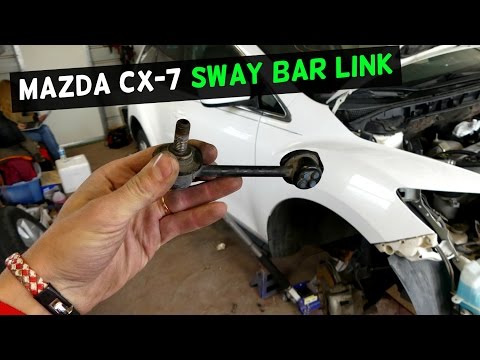
Mazda Cx 7
(2006-2012 /
MK 1)
If you hear a noise similar to a knocking coming from the front wheel, especially when driving on uneven surfaces, it is likely that a drop link (als…

Mazda Cx 7
(2006-2012 /
MK 1)
If you hear a noise coming from the front wheel that increases especially in corners, the bearing at the centre of the hub is likely damaged: to repl…
Mazda Cx 7
(2006-2012 /
MK 1)
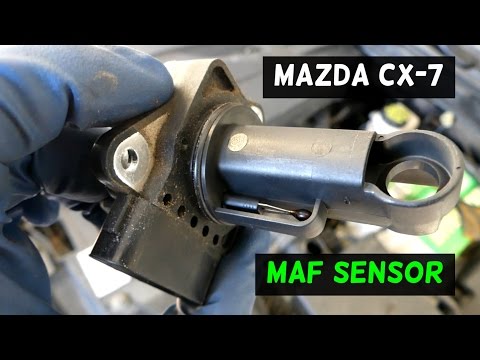
The mass air sensor, better known as the air flow meter, plays a fundamental role in the engine's power delivery. It provides real-time information t…
Other guides you may be interested in
|
How to Reset the AdBlue Warning Light on a Peugeot Boxer
To reset the AdBlue system on a 2018 Peugeot Boxer, follow these steps: Start the engine and ensure the vehicle is parked in a well-ventilated area. Locate the "MENU" button on the dashboard or steering wheel controls. Press and hold the "MENU" button until the menu options appear on the display. Use the arrow buttons or scroll wheel to access the "Vehicle Settings" or "Settings" menu. Select the "AdBlue" or "AdBlue System" option. Look for the "Recharge" or "Reset" option in the AdBlue menu. Once you find the reset option, select it and confirm your choice when prompted. The system will be reset, and a confirmation message may appear on the display. Turn off the engine and wait a few seconds. Restart the engine and check that the AdBlue system has been reset. by ScegliAuto More videos
|
|
For advertising on this site Write to info@scegliauto.com
ScegliAuto is not responsible for any inaccuracy of the data in the lists. To report any inaccuracy or your business (if you own the business in question), please write to info@scegliauto.com
Number of seconds to generate the page: 0.027
(c) ScegliAuto 2026 - info@scegliauto.com - Privacy policy VAT number: IT01247470535 |
