
|
Do it yourself
| |||
| ||||



How to Replace the Front Brake Pads on a Mercedes A-Class
Model: Mercedes Classe A
W176
- Years:
2012, 2013, 2014, 2015, 2016, 2017, 2018
Video tutorial
Before you begin, lift the front of your Mercedes A-Class. Start by removing the front wheel by loosening the lug nuts. After this, remove the bolts that secure the brake caliper to the brake rotor, then pull it away slightly. At this point, move the brake caliper aside. Once the brake caliper is out of the way, you will access the brake pads, which you need to unclip and remove the front brake pads, completing the disassembly. To install the new pads on your Mercedes A-Class, reverse these instructions, and the replacement will be complete.
Updated on 29 April 2026 by ScegliAuto
Related tutorials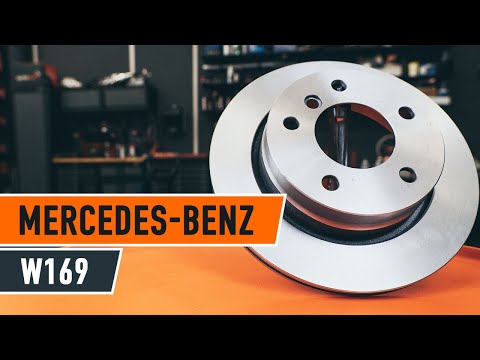
Mercedes Classe A
(2004-2012 /
W169)
Replacing the rear brake pads on your car? Let's see how to replace the rear brake pads. Lift the vehicle with a jack to the desired height, then rem…

Mercedes Classe A
(2004-2012 /
W169)
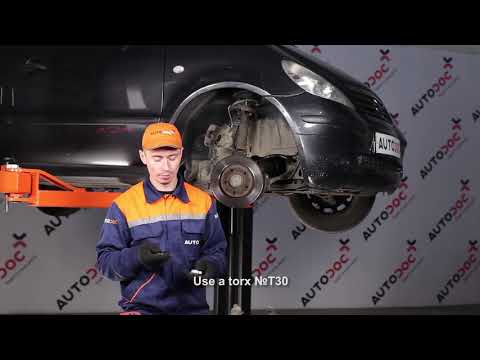
.. disassembly procedure is valid only for the A-Class W169 and B-Class 245. First, lift the vehicle with a jack and safety stands. Now, remove the rear.. …
Mercedes Classe A
(1997-2004 /
W168)
For this operation, you will need to lift your vehicle and place it on appropriate jack stands to remove the wheel where the replacement is necessary…
Other guides you may be interested in
|
How to reset the tyre pressure warning light on the Kia Niro EV?
To reset the tyre pressure warning light on the Kia Niro EV, inflate the tyres until they reach the correct pressure value. This value is indicated on the sticker attached to the driver's door pillar. Once the tyres are inflated, turn on the instrument cluster to check that the warning light has completely disappeared from the display. If it is still present, you may need to drive for a few miles to ensure it disappears completely from the screen. by ScegliAuto More videos
|
|
For advertising on this site Write to info@scegliauto.com
ScegliAuto is not responsible for any inaccuracy of the data in the lists. To report any inaccuracy or your business (if you own the business in question), please write to info@scegliauto.com
Number of seconds to generate the page: 0.045
(c) ScegliAuto 2026 - info@scegliauto.com - Privacy policy VAT number: IT01247470535 |
