
|
Do it yourself
| |||
| ||||


How to Replace the Stereo in a Mercedes A-Class
Model: Mercedes Classe A
W176
- Years 2012-2018
Start by releasing the hood using the lever and lift it to secure it with the prop rod. Then, disconnect the battery terminals to prevent any electrical current during the work. Next, begin removing the screws that secure the display so you can disconnect the connectors from the back. Remove any parts that cover the screws to be removed. Use a plastic trim tool to remove the air vents to access all the screws securing the central dashboard unit. Remove it and disconnect the connectors at the back. Finally, retrace the steps in reverse to reassemble the various components.
Updated on 26 February 2026 by ScegliAuto
Video tutorial
Related tutorials
Mercedes Classe A
(1997-2004 /
W168)
This is a simple operation that does not require special tools, just some long levers to unlock the stereo's locking mechanism. Insert these levers i…
Mercedes Classe A
(2012-2018 /
W176)
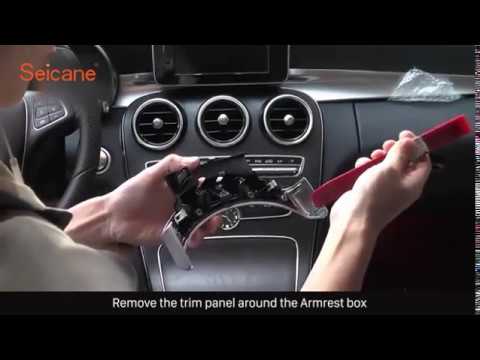
.. Let's remove the radio from a Mercedes C-Class. Start by removing the trim panel above the center console using a pry tool (where the mounting.. …
Mercedes Classe A
(1997-2004 /
W168)
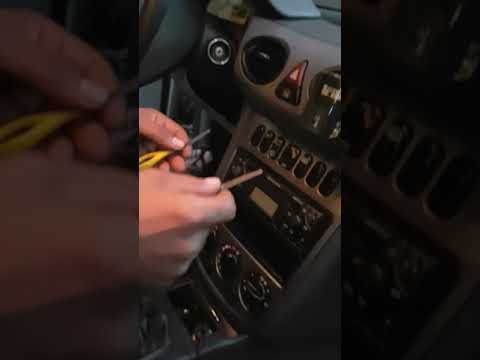
.. How to remove the car radio on Mercedes A-Class? Let's carefully see in this video how to perform the disassembly: use the original or aftermarket.. …
Other guides you may be interested in
|
How to set the clock on the Opel Zafira
Setting the clock to the current Italian time on an Opel Zafira model B vehicle is a very simple operation, which can also be done independently thanks to our short instructional video. The first thing to do is to turn on the instrument panel and then press the SETTING button, located on the central dashboard. Once inside the menu, use the buttons to navigate to the clock setting. Change the hours and minutes and restart the instrument panel. If the clock is not updated, a diagnosis may be necessary at the radio or vehicle control unit. by ScegliAuto More videos
|

|
For advertising on this site Write to info@scegliauto.com
ScegliAuto is not responsible for any inaccuracy of the data in the lists. To report any inaccuracy or your business (if you own the business in question), please write to info@scegliauto.com
Number of seconds to generate the page: 0.126
(c) ScegliAuto 2026 - info@scegliauto.com - Privacy policy VAT number: IT01247470535 |
