
|
Do it yourself
| |||
| ||||


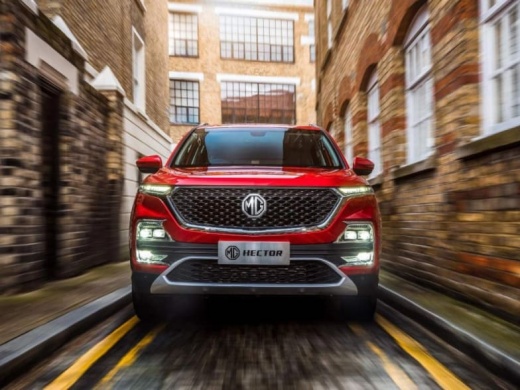
How to Reset the Trip Meter on the MG Hector
Model: MG Hector
MK 1
- Years:
2019, 2020, 2021, 2022, 2023, 2024, 2025, 2026
Video tutorial
Today's video will show you how to reset the trip meter or partial mileage on the MG Hector, following the instructions below. First, get inside the vehicle and turn on the instrument cluster; then press and hold the "OK" button located on the right side of the steering wheel controls until the partial mileage displayed in the center of the instrument cluster resets, as shown in the video. You can reset the trip meter or partial mileage at any time, even with just the instrument cluster powered on.
Updated on 4 October 2026 by ScegliAuto
Related tutorials
MG Hector
(2019-2026 /
MK 1)
In order to reset the tire pressure warning light on the MG Hector, you need to inflate the tires until they reach the recommended pressure value: th…
MG Hector
(2019-2026 /
MK 1)
In this guide, you will see how to remove and replace the battery in the MG Hector in simple and quick steps. First, open the hood and start by unscr…
MG Hector
(2019-2026 /
MK 1)
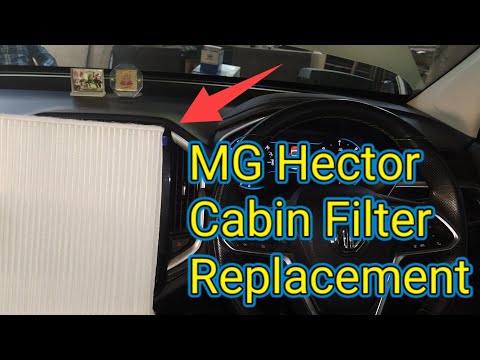
If you want to learn how to replace the cabin air filter in your MG Hector, follow these steps. This procedure is very similar to what you've seen in…
Other guides you may be interested in
|
How to Reset the Tyre Light on a Toyota Aygo?
To reset the tyre light on a Toyota Aygo, start by locating the reset button, which is found in the glove compartment of the front passenger side. Turn on the car and ensure that the tyres are at the correct pressure. Then, press and hold the reset button for a few seconds until the tyre light either flashes or turns off, depending on the model. Release the button and wait for the reset procedure to complete. Restart your Toyota Aygo and check if the tyre light has turned off, indicating that the reset was successful. by ScegliAuto More videos
|
|
For advertising on this site Write to info@scegliauto.com
ScegliAuto is not responsible for any inaccuracy of the data in the lists. To report any inaccuracy or your business (if you own the business in question), please write to info@scegliauto.com
Number of seconds to generate the page: 0.030
(c) ScegliAuto 2026 - info@scegliauto.com - Privacy policy VAT number: IT01247470535 |
