
|
Do it yourself
| |||
| ||||


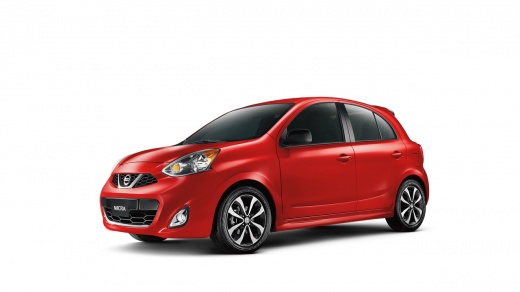
How to perform a service on the 2015 Nissan Micra?
Model: Nissan Micra
K13
- Years:
2010, 2011, 2012, 2013, 2014, 2015, 2016, 2017
Video tutorial
It is that time of year again when you need to service your car. If this time you want to try DIY maintenance instead of taking the Nissan Micra to the garage, gather everything you need and follow the procedure shown in this video. First, lift the car onto ramps, platforms, or axle stands, depending on what you have available. Next, open the engine bay and unscrew the oil filler cap so that the pressure from the incoming air helps empty it. Now go underneath the car and drain the oil, collecting the used oil in a suitable container. Next, replace the oil filter, ensuring to oil its surface before screwing it in. Finally, complete the service by pouring engine oil into the designated filler neck!
Posted on 18 July 2026 by ScegliAuto
Related tutorials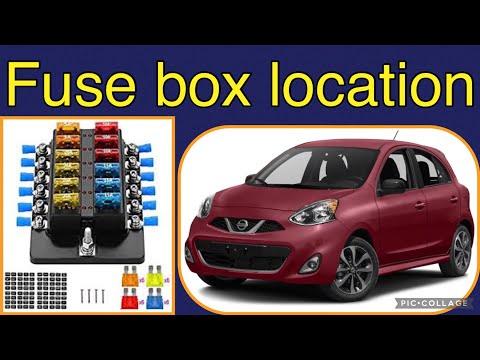
Nissan Micra
(2010-2017 /
K13)
To locate the fuse box of your 2016 Nissan Micra, carefully follow these instructions and put them into practice. First, switch off the car and ensur…
Nissan Micra
(1992-2002 /
K11)
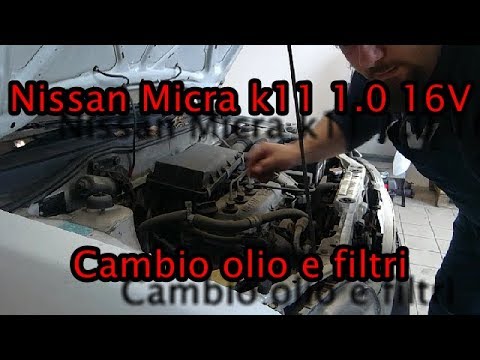
Follow the instructions from the YouTuber to perform a DIY service on your Nissan Micra K11. Start by draining the old oil from the system. Position …
Nissan Micra
(1992-2002 /
K11)
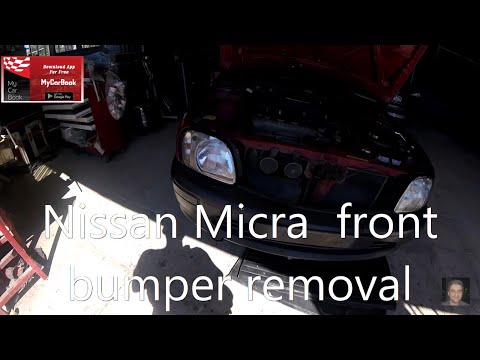
Before you start, open the front bonnet of your Nissan Micra. Next, unscrew and remove the bolts securing the front lights to the frame. Then, discon…
Other guides you may be interested in
|
How to reset the tyre pressure warning light on the Kia Niro EV?
To reset the tyre pressure warning light on the Kia Niro EV, inflate the tyres until they reach the correct pressure value. This value is indicated on the sticker attached to the driver's door pillar. Once the tyres are inflated, turn on the instrument cluster to check that the warning light has completely disappeared from the display. If it is still present, you may need to drive for a few miles to ensure it disappears completely from the screen. by ScegliAuto More videos
|
|
For advertising on this site Write to info@scegliauto.com
ScegliAuto is not responsible for any inaccuracy of the data in the lists. To report any inaccuracy or your business (if you own the business in question), please write to info@scegliauto.com
Number of seconds to generate the page: 0.068
(c) ScegliAuto 2026 - info@scegliauto.com - Privacy policy VAT number: IT01247470535 |
