
|
Do it yourself
| |||
| ||||


Replacing the Front Wheel Bearing on a Nissan Rogue
Model: Nissan Rogue
T32
- Years 2014-2020
Today, we will see in this video tutorial how to remove and replace the front wheel bearing on a Nissan Rogue. First, lift the vehicle and start removing the front wheel; then remove the screws from the front brake caliper to take it off the rotor, as shown in the video. Next, remove the front brake rotor and unscrew the center nut of the bearing; take it out and replace it with a new one of the correct type, ensuring it is seated properly; finally, reassemble the braking system, following the video to the end!
Updated on 12 May 2026 by ScegliAuto
Video tutorial
Related tutorials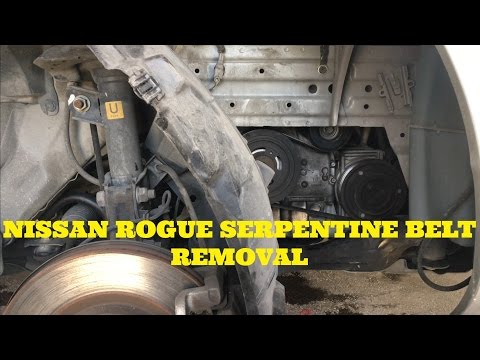
Nissan Rogue
(2008-2015 /
S35)
This guide will show you the main steps to remove and replace the serpentine belt on the Nissan Rogue 2.5L. First, lift the vehicle and start by remo…
Nissan Rogue
(2021-2026 /
T33)
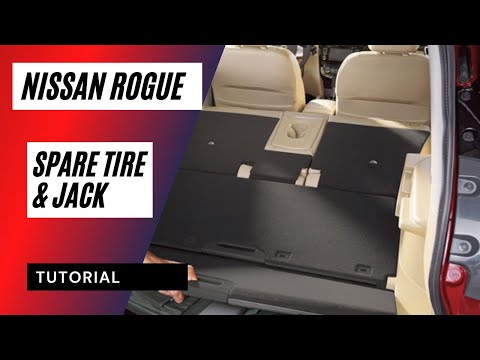
This guide shows how to remove the spare tire from the Nissan Rogue T33. The spare tire is located under the mat in the trunk area of the vehicle. Th…
Nissan Rogue
(2008-2015 /
S35)
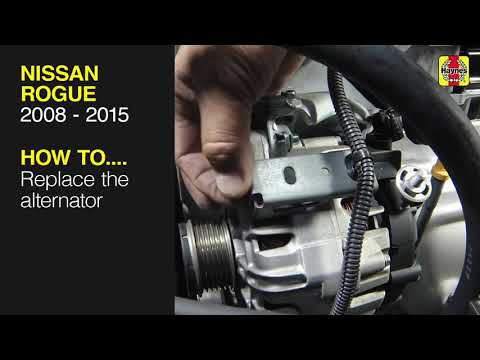
Let's briefly go over the instructions to remove and replace the alternator on the Nissan Rogue, as well as the Nissan Qashqai. First, open the hood …
Other guides you may be interested in
|
How to replace the horn on a Renault Duster - Dacia Duster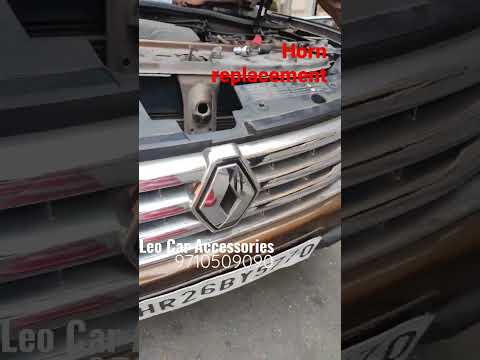
Today's main instructions will show you the procedure for removing and replacing the horn or sound signal on the Renault Duster, as well as the Dacia Duster. First, open the bonnet of the vehicle and start removing the front bumper by unscrewing all the fixing screws; you will find the horn right in front of the radiator, as shown in the video. At this point, disconnect the electrical connector and unscrew the bracket screw to remove and replace the horn with the new one; finally, reassemble the front bumper! by ScegliAuto More videos
|
|
For advertising on this site Write to info@scegliauto.com
ScegliAuto is not responsible for any inaccuracy of the data in the lists. To report any inaccuracy or your business (if you own the business in question), please write to info@scegliauto.com
Number of seconds to generate the page: 0.074
(c) ScegliAuto 2026 - info@scegliauto.com - Privacy policy VAT number: IT01247470535 |
